Installation
To install the Android B-Ware app on your Android device follow the steps below:
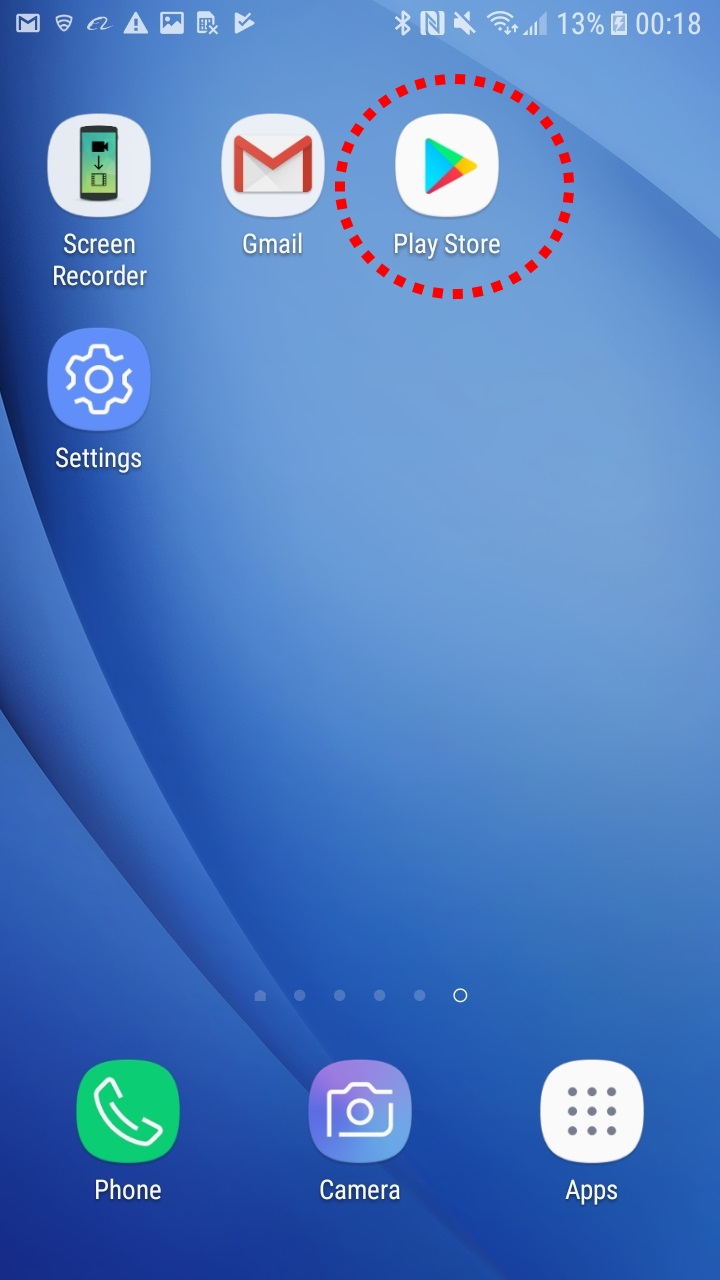
- Locate your Google Play icon which comes standard with every Android.
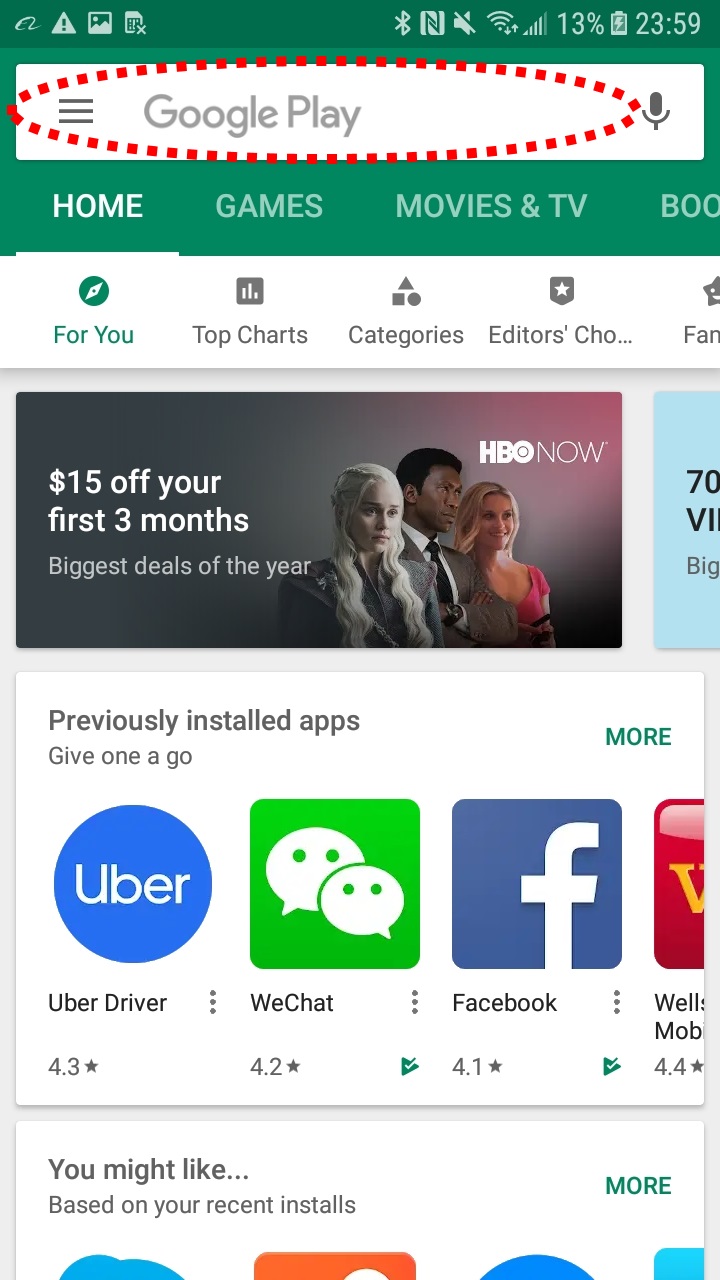
- In the Google Play search bar, type in "b-ware".
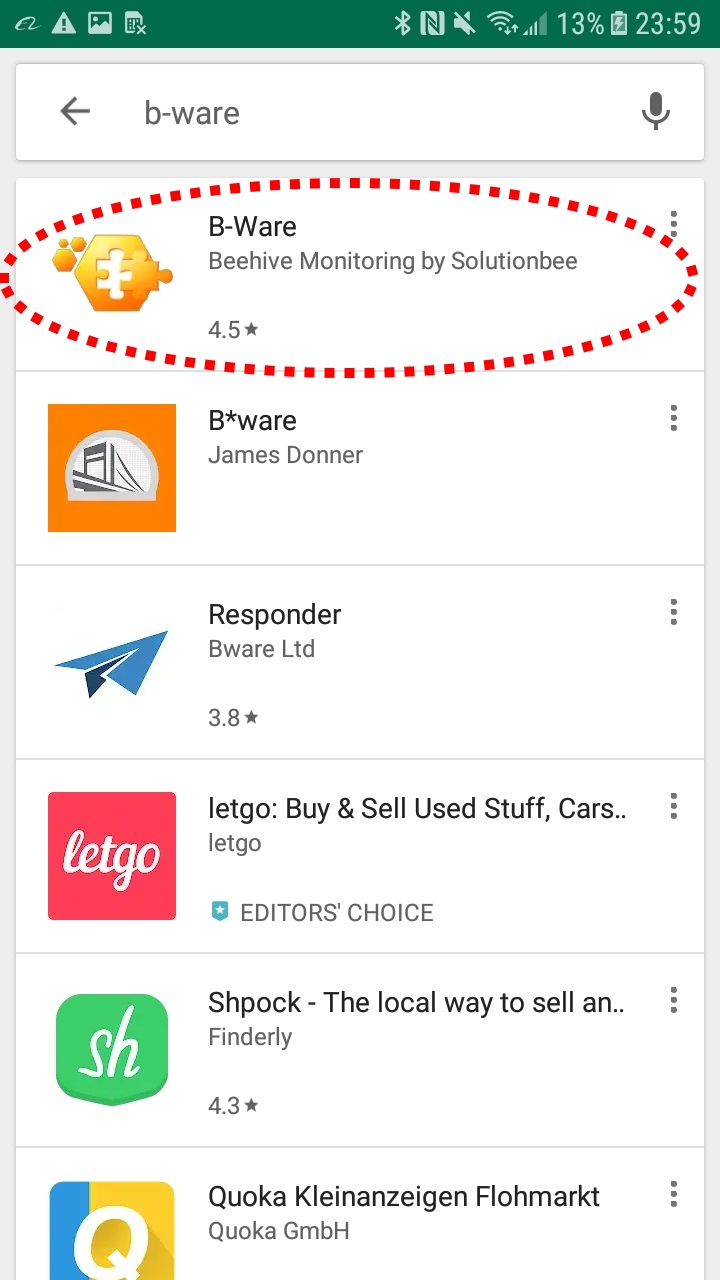
- Identify and tap on the Solutionbee B-Ware app.
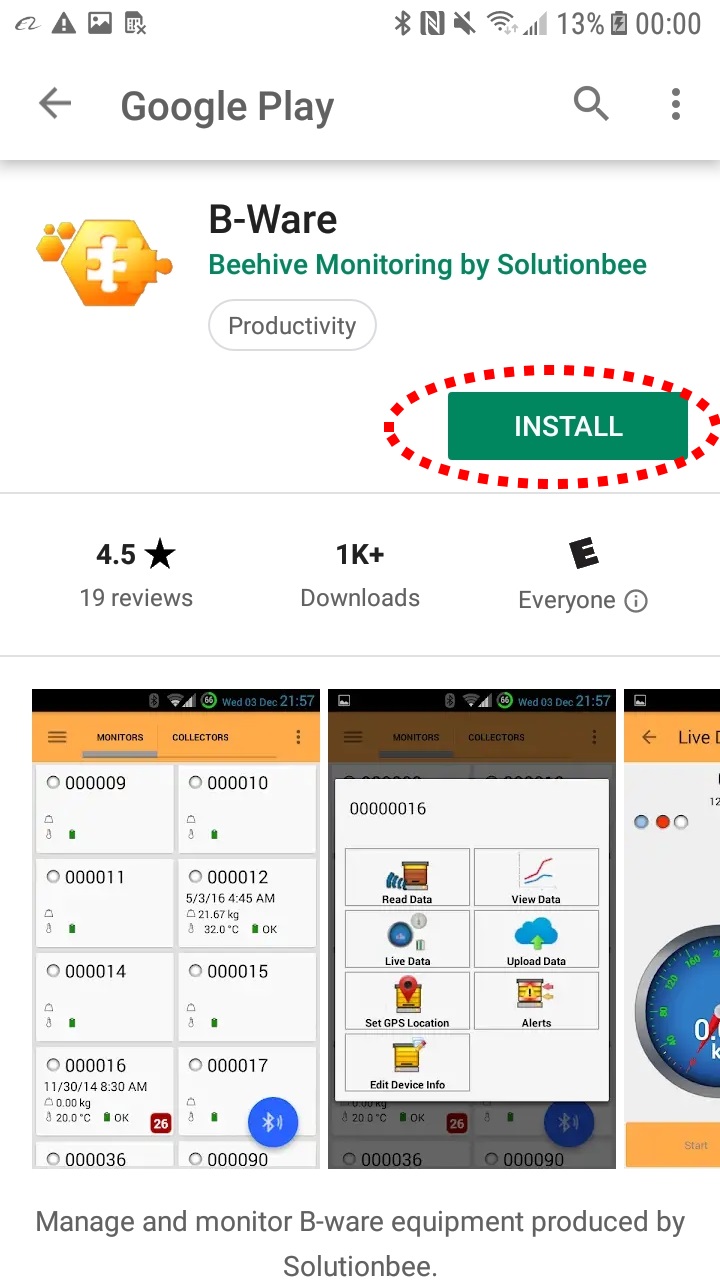
- Tap on Install
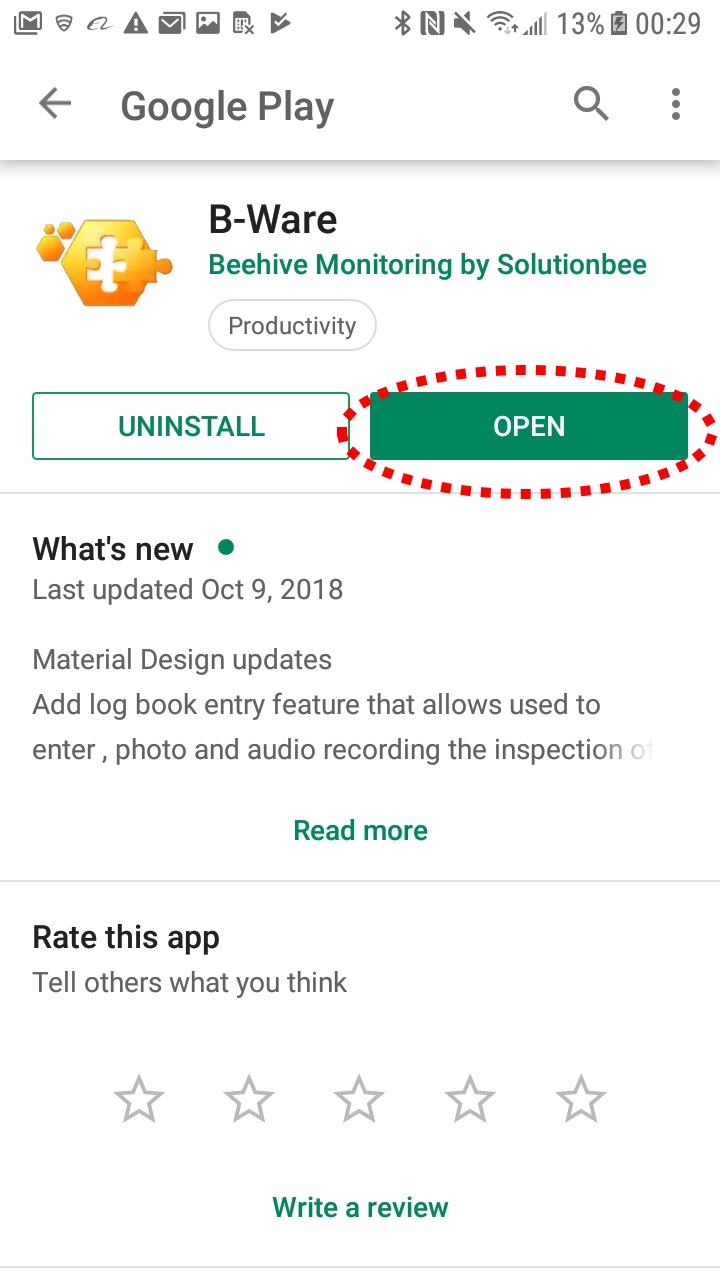
- Tap on Open.
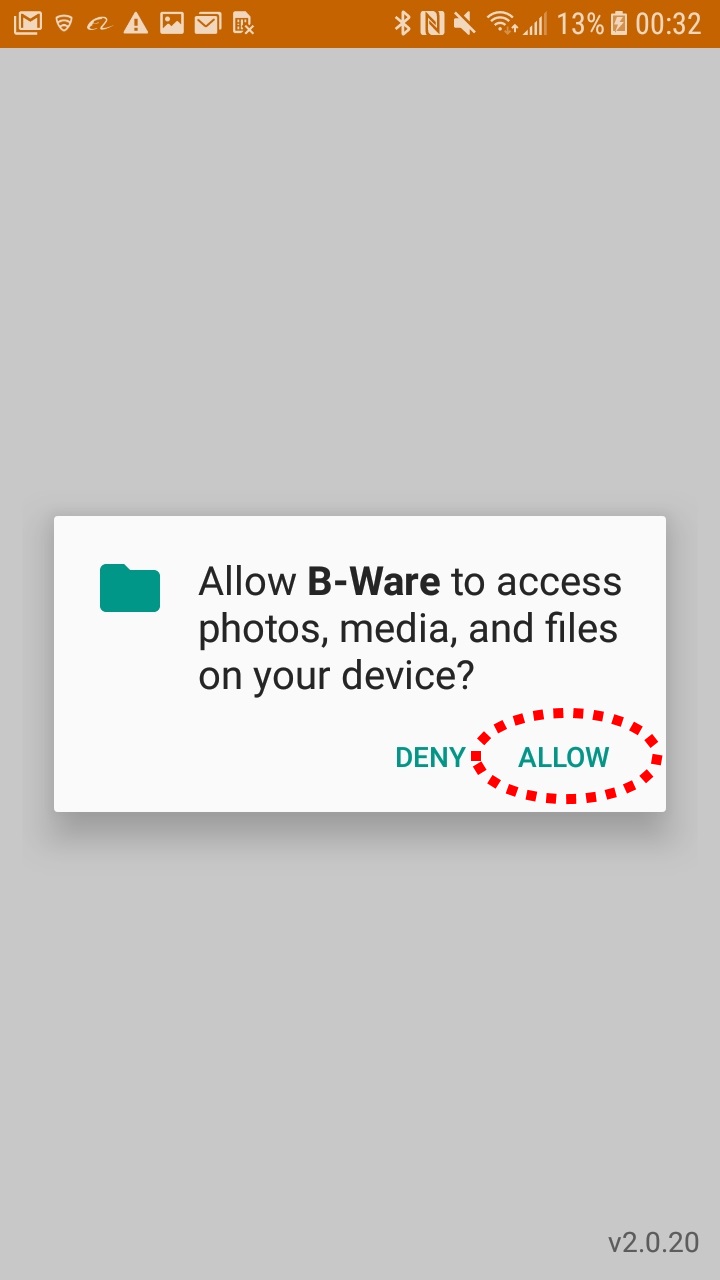
- Select Yes to allow B-Ware access to photos, media and files.
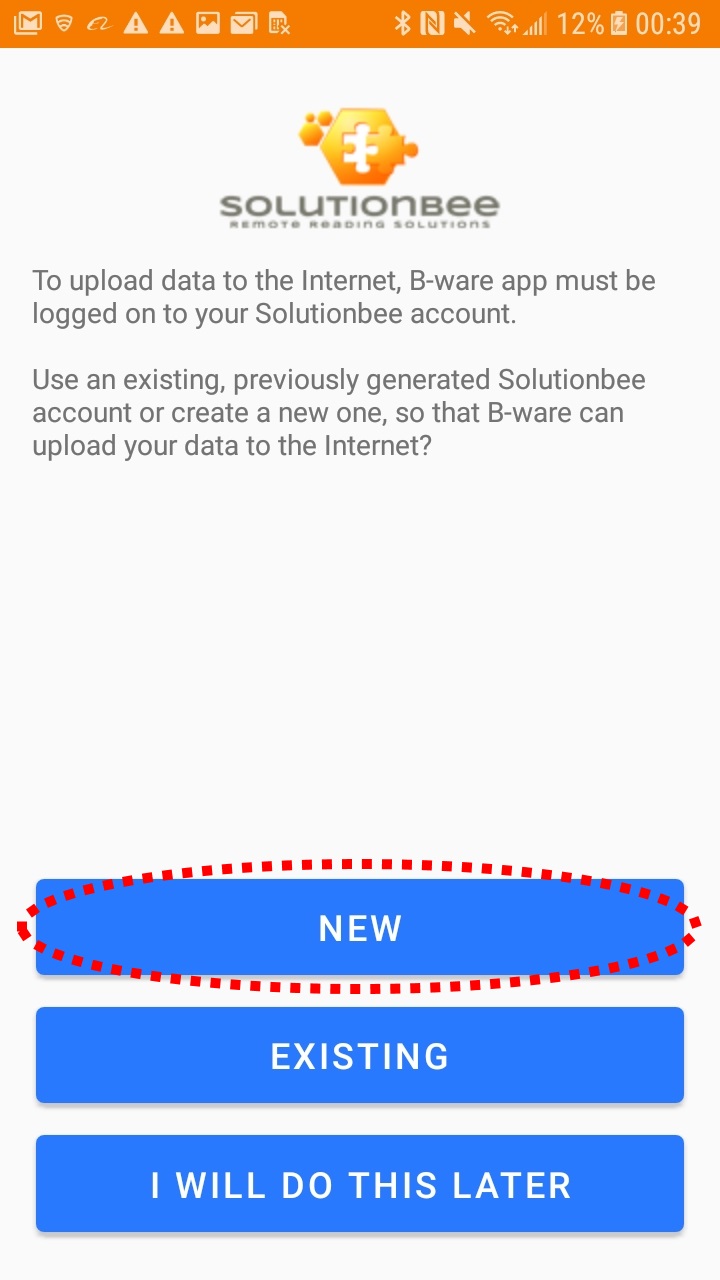
- If you are new user, select New and then follow the Quick Installation Guide (attached) to complete the registration process.