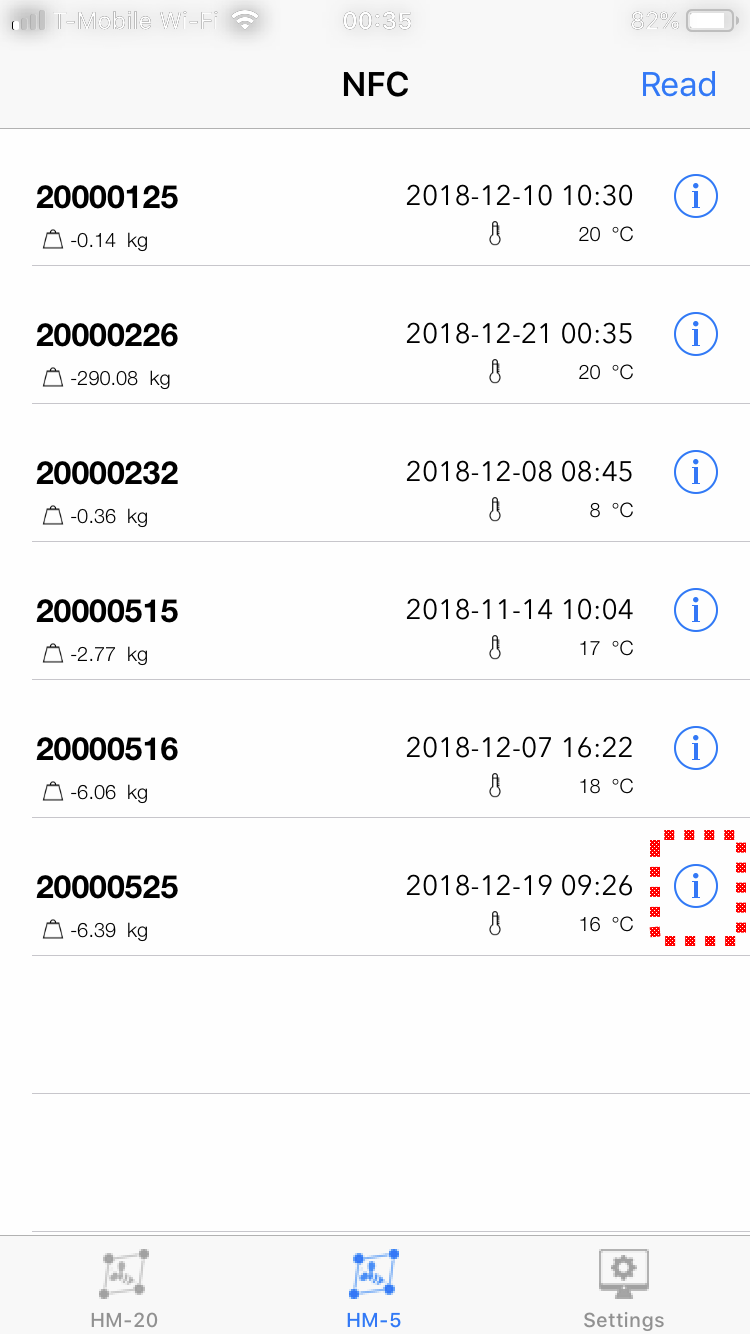
Taking a HM-5 reading
Here is the process for taking an HM-5 reading with your iPhone from start to finish!
1.) Select the B-Ware icon from the iPhone desktop.
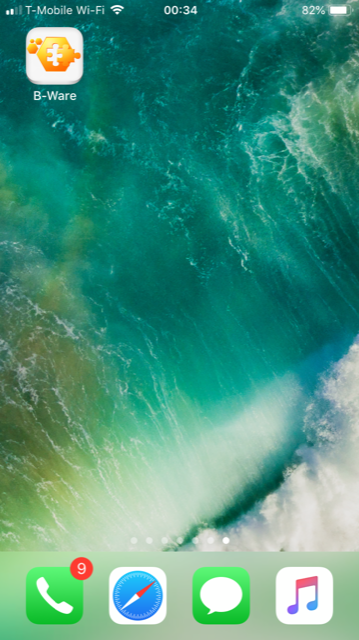
- The software will open with the HM-20 screen. To change to HM-5 mode, simply tap on the HM-5 icon.
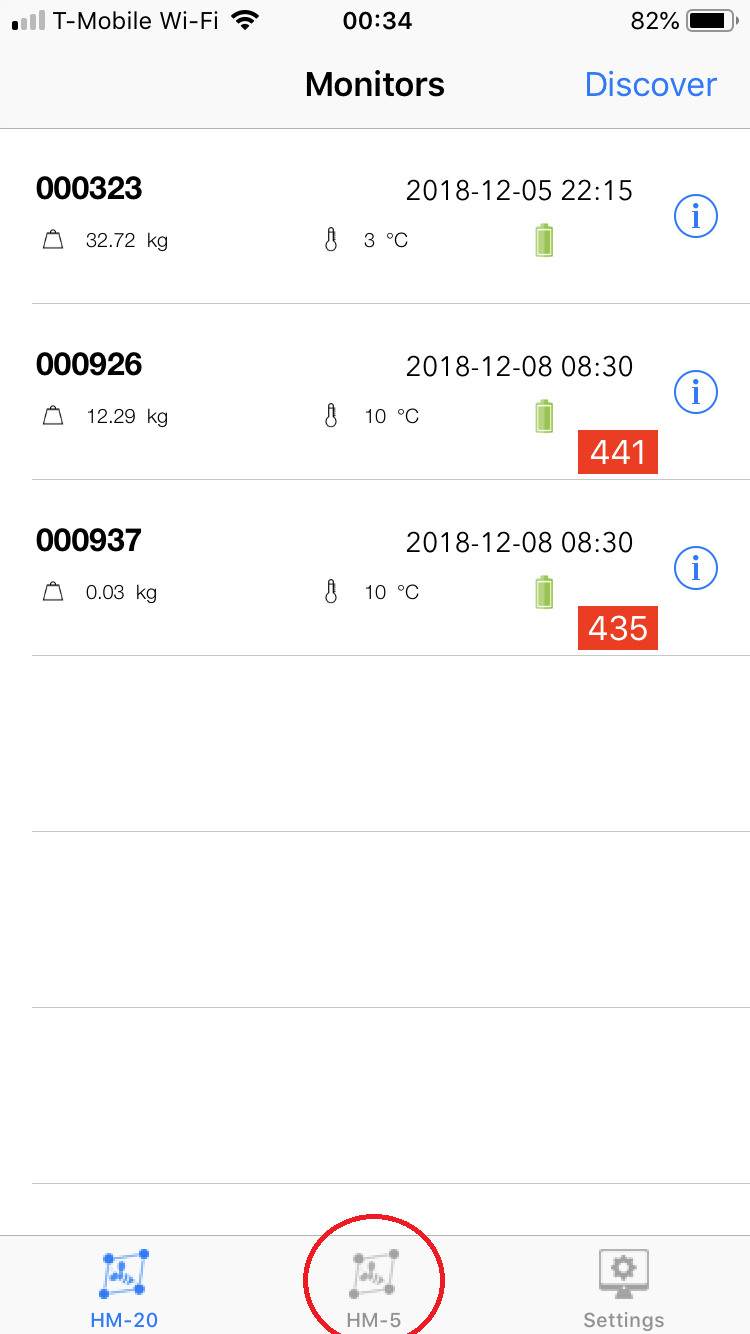
- Tapping on the HM-5 icon will immediately bring up the "Ready to scan" screen.
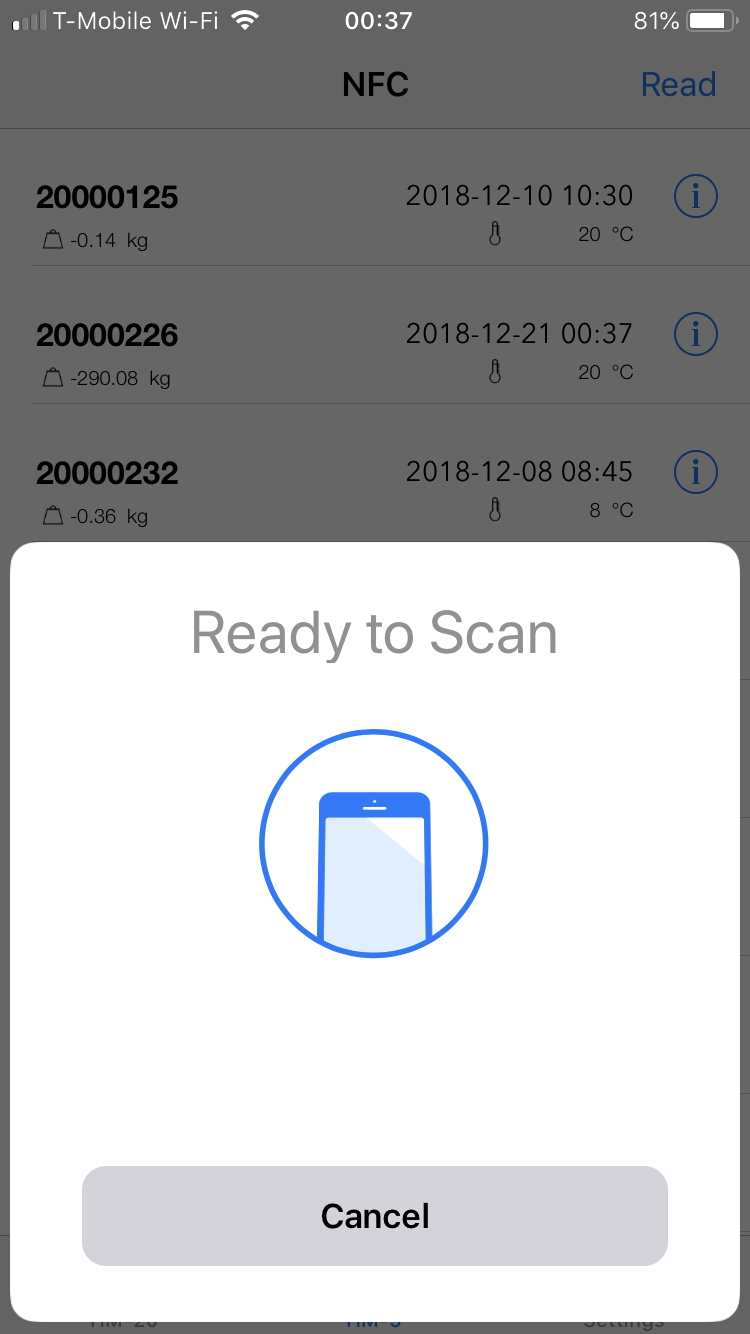
-
Place the top edge of the iPhone up against the HM-5 electronic module. The phone will beep and a checkmark will appear briefly. That will indicate that the data download has been complete. The download is very quick and should not take more than 2 seconds.
-
The monitor you just read should have an updated date and time indication on the Monitor list. A reading will pull up about 11 days of data on the iPhone. This value can be changed using an Android. Instructions for doing so are here.
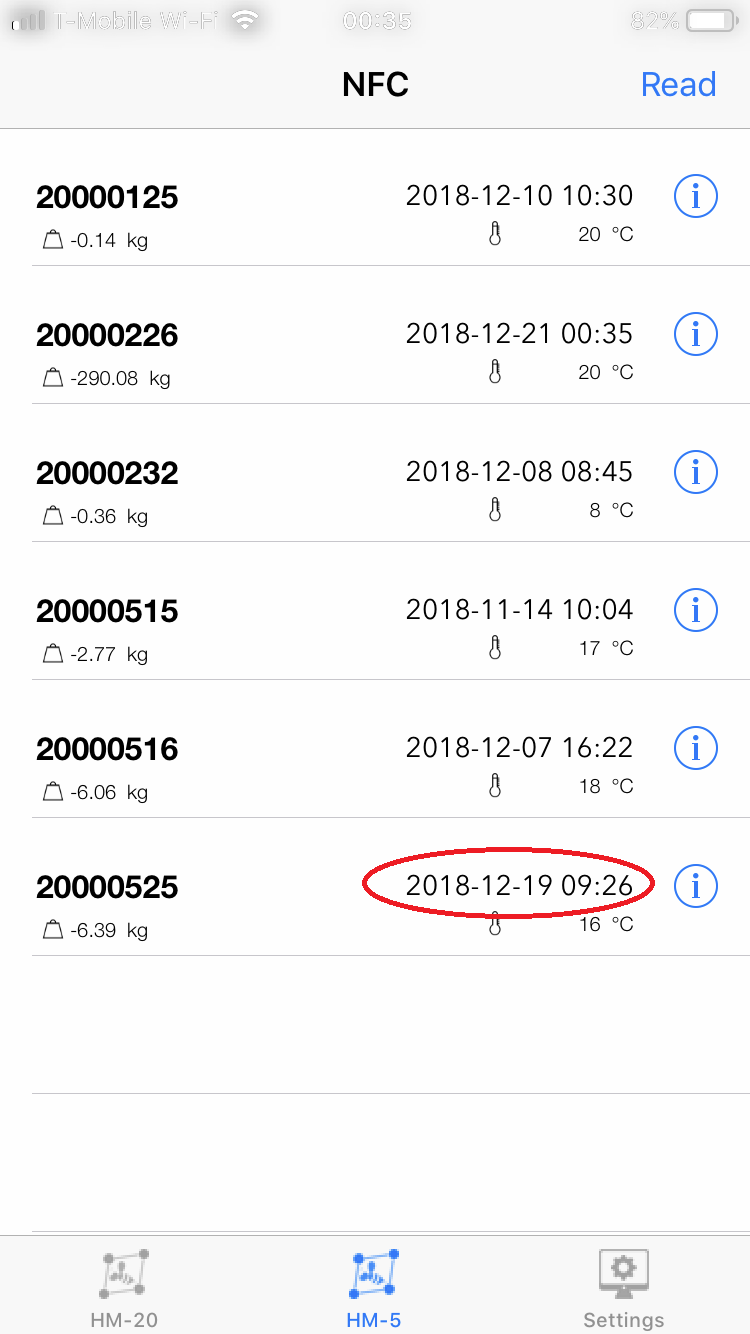
- Tap anywhere on the monitor tile, in this case tile 20000525 to view the data.
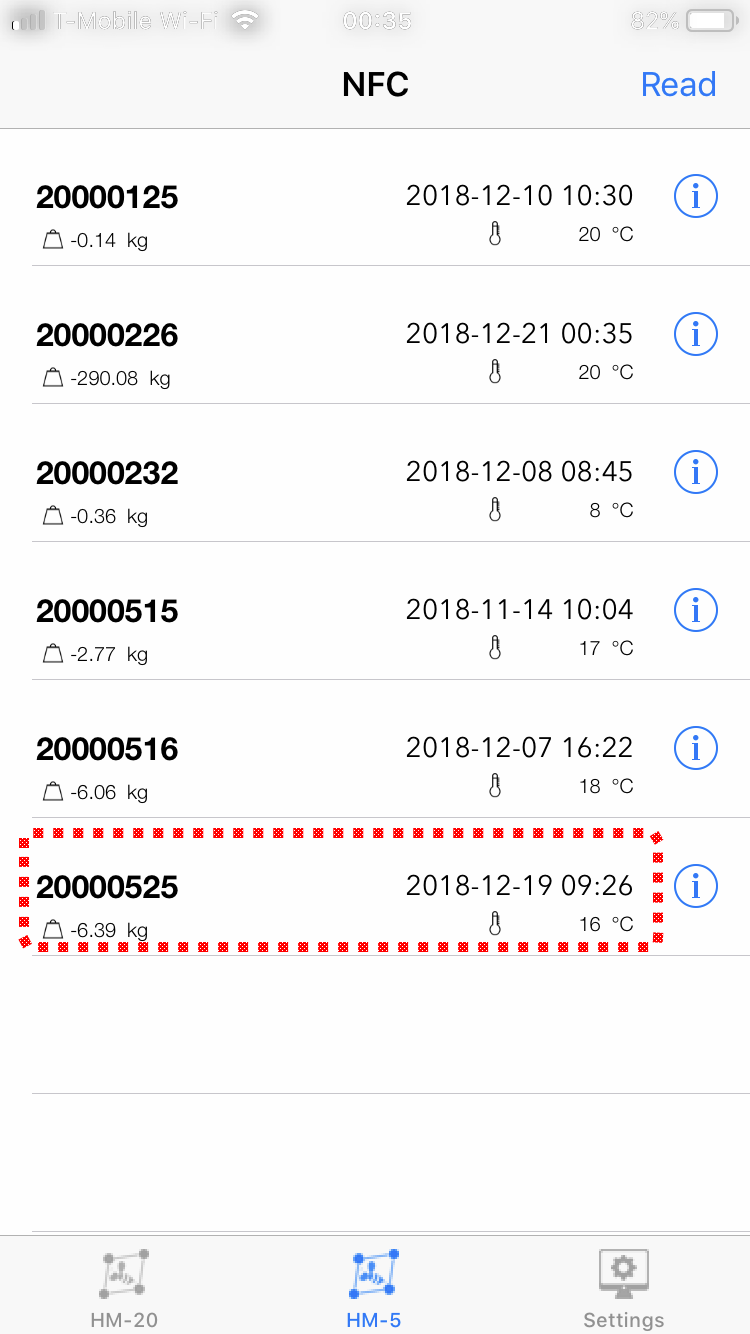
- Tap on the circled "i" for more menu options.