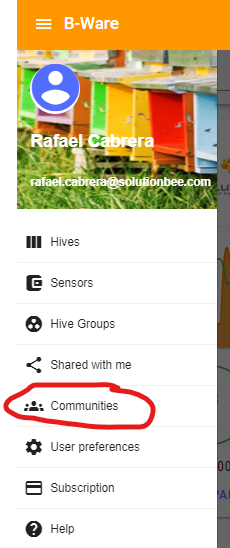
Using the Communities feature: share/view the hives in your community
You can share your hives' data with all other users via the Communities feature.
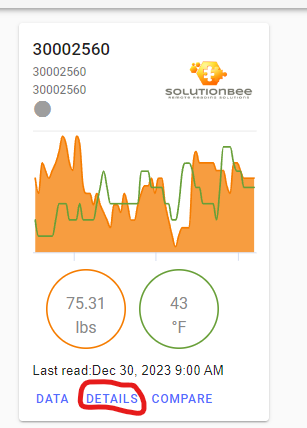
- Select the hive you would like to share. Click on Details.
- Click on the Share icon.
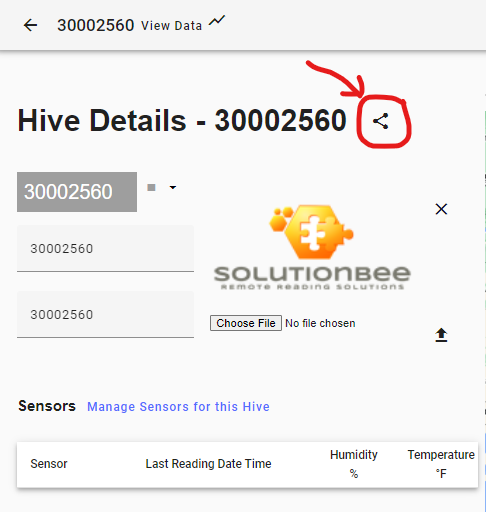
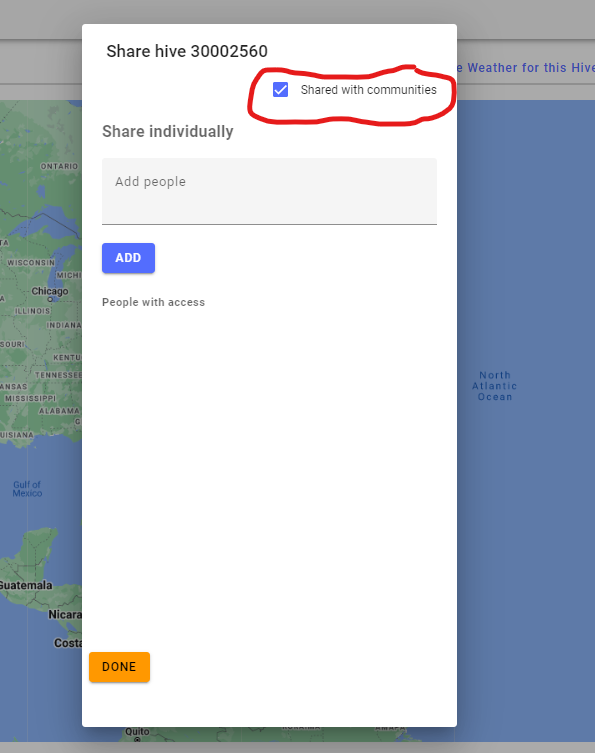
- The window that appears contains the option to share your data to a specific user by entering their email address. There is also a box labeled " Share with Communities" that can be checkmarked. Check it if you would like the data for that hive to be public.
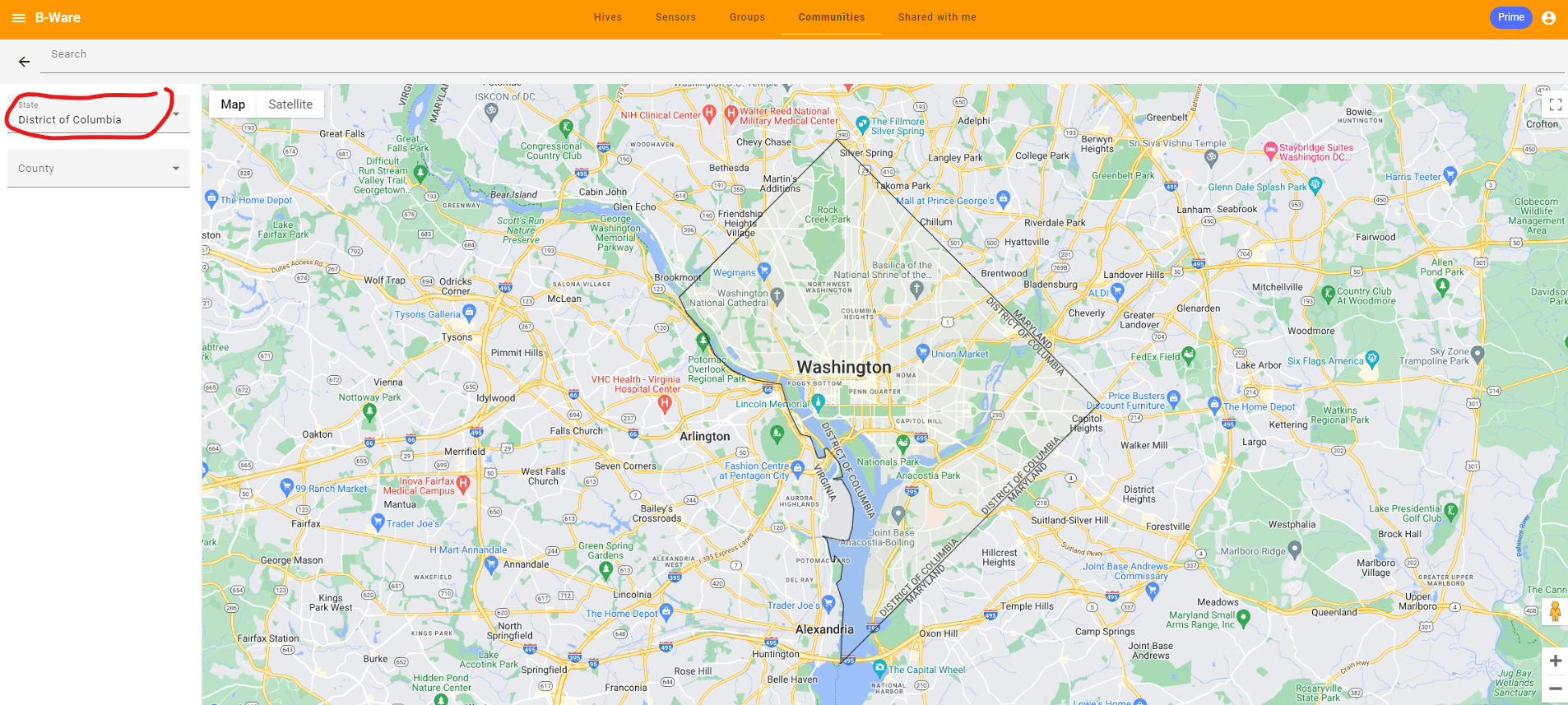
- To view publicly available data, go to Communities and view all such public data. You can also zoom in to specific counties and Washington DC, for example.