Remove Monitor (from the Monitor List)
To remove a Monitor from a monitor list, please follow these steps:
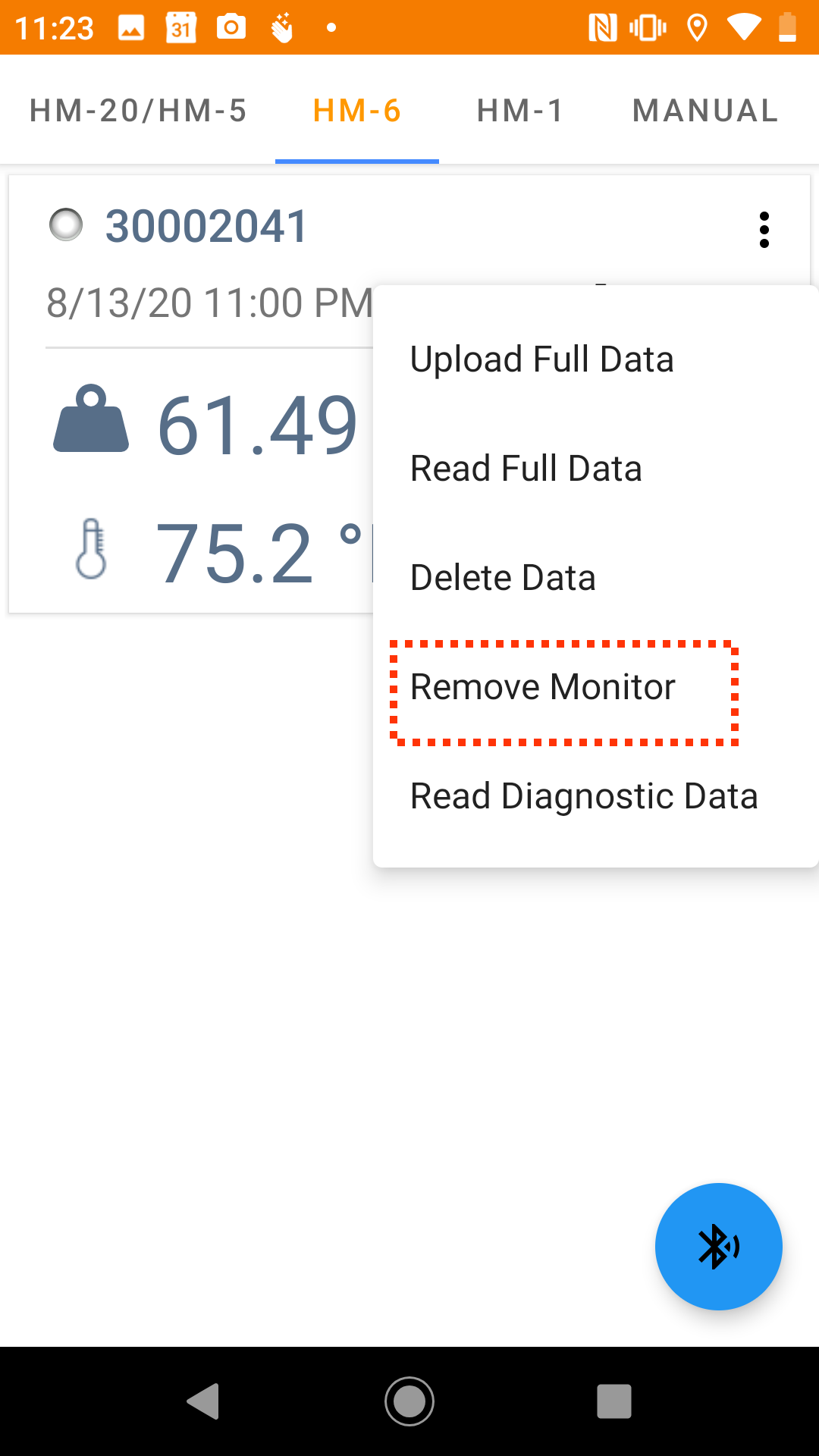
- Tap on the vertical three dots on the upper right corner of the tile of the monitor you would like to remove.
Image unavailable: 2043137659113_lU11QHJSPSLvW8nn2jlGW7f2zVdhryg8hA.png
- Select "Remove Monitor" from the drop down menu.
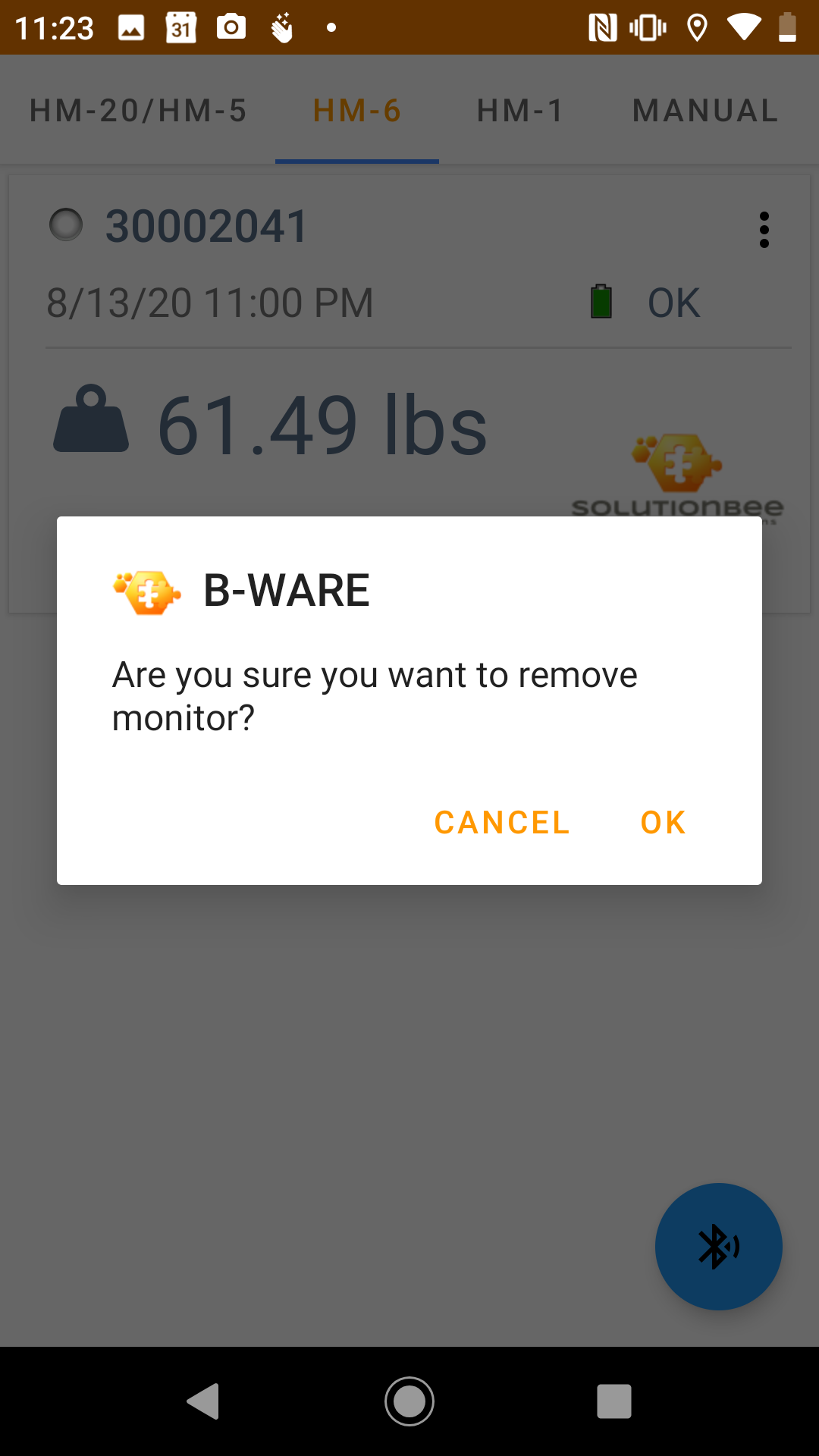
3. Select "OK" to proceed.
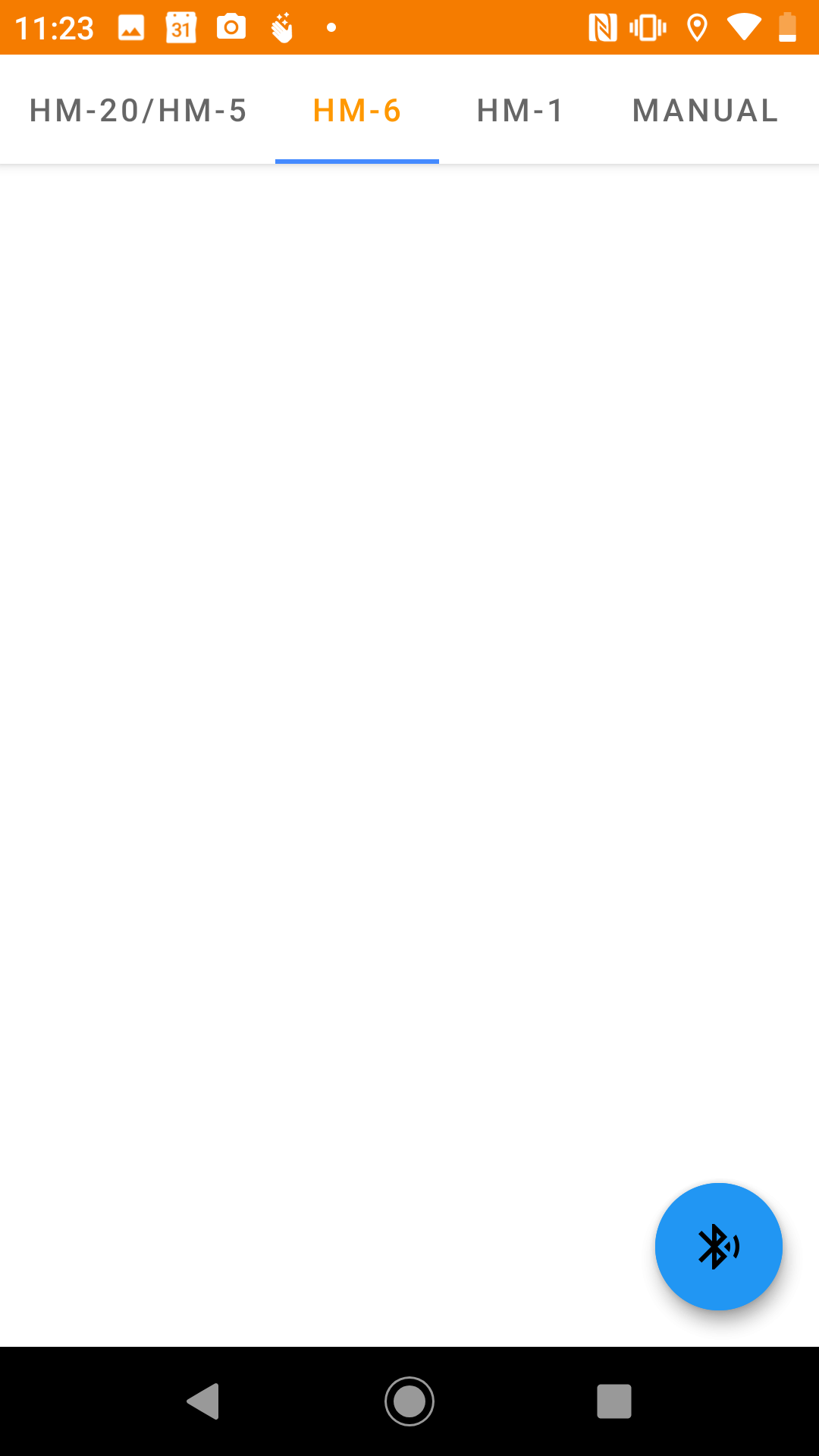
- The monitor is now no longer on the list. You can easily add the monitor back on the list by reading the monitor once again.