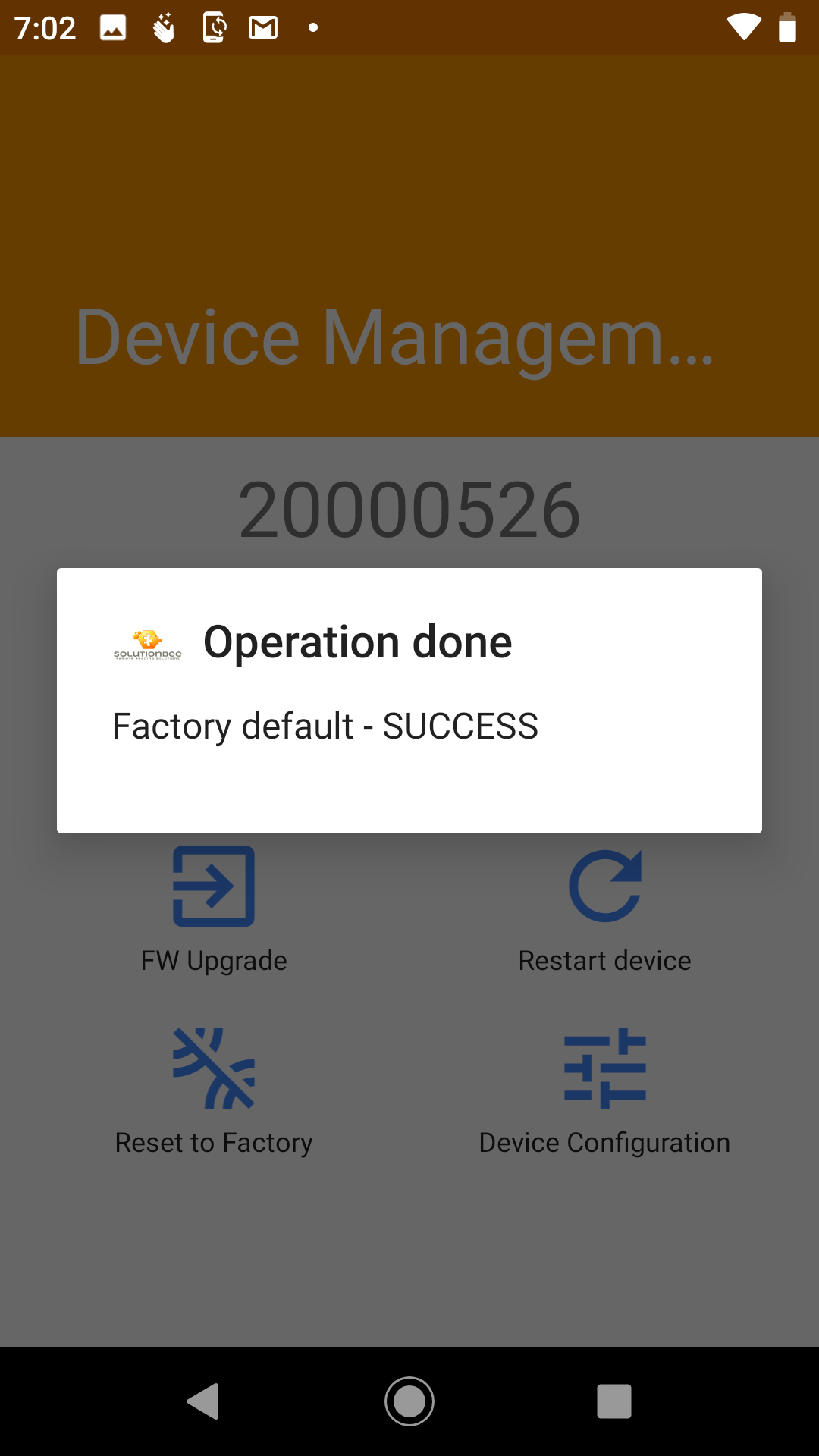
Resetting your HM-5 to Factory Settings
In some cases, in order to fix an HM-5 that may be acting unusual, it may help to reset the HM-5 back to factory settings.
1.) Start from the HM-5 Monitor List.
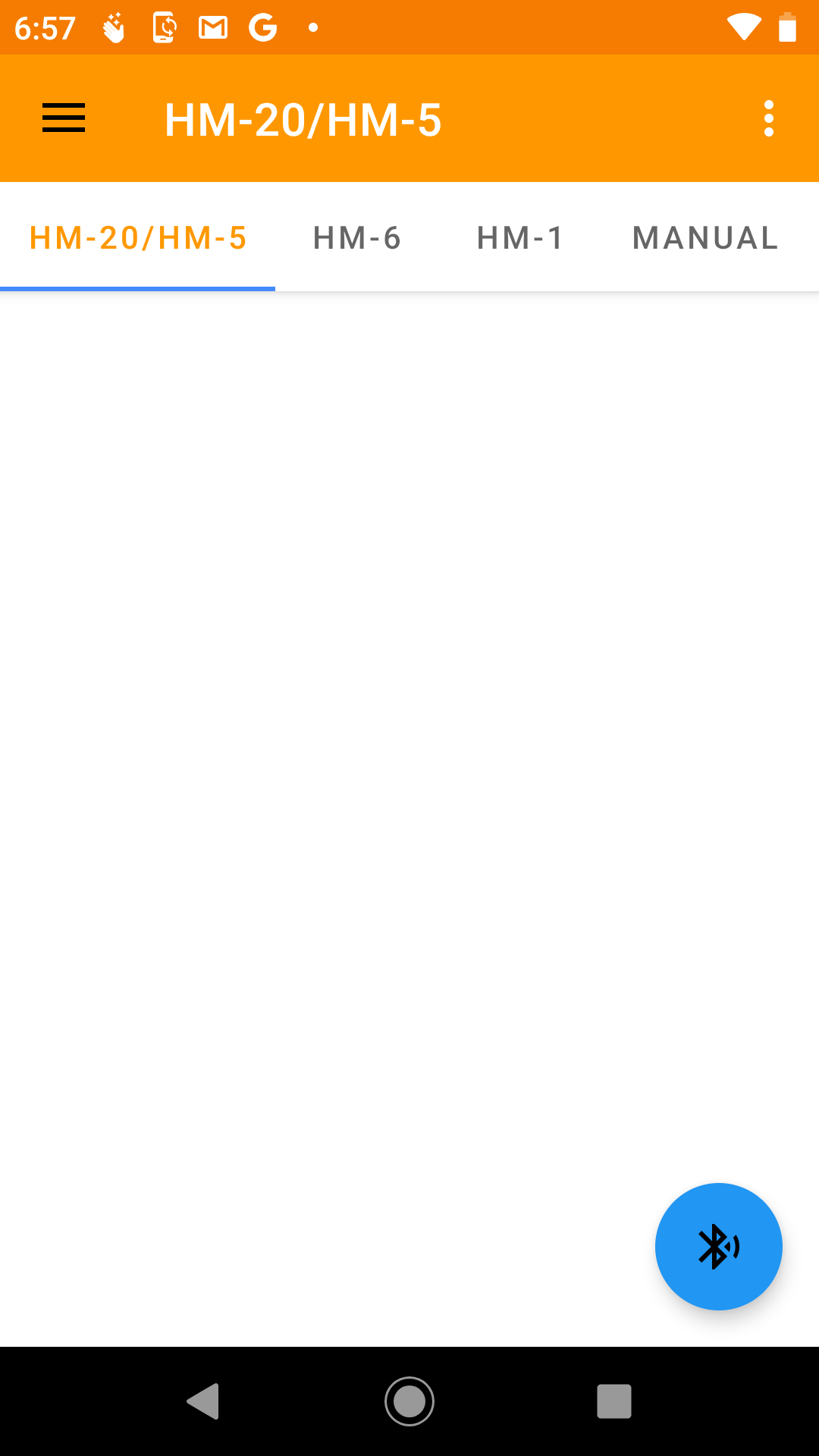
2.) Select the "hamburger icon" on the top left of the screen.
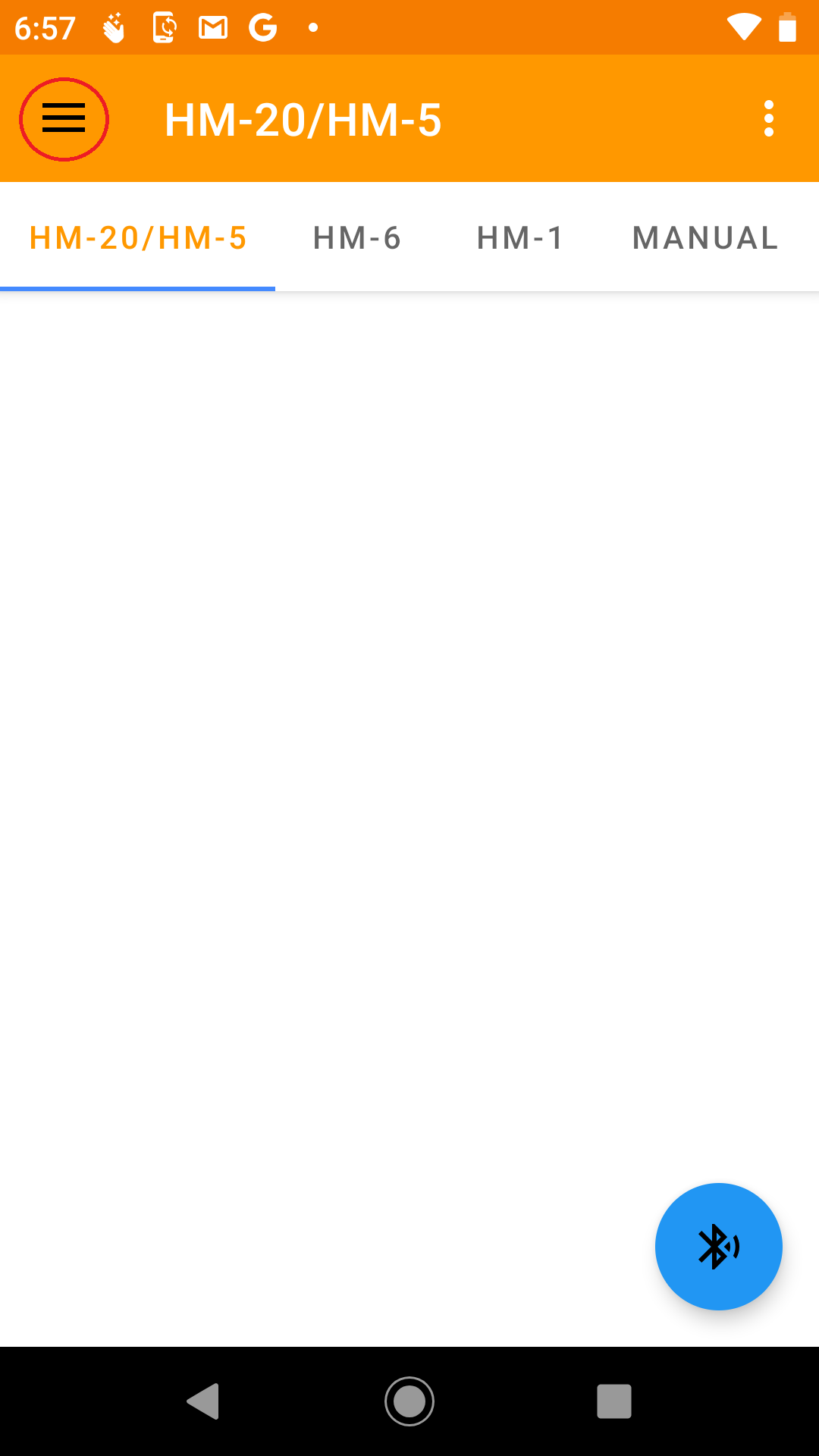
3.) Select Device Management
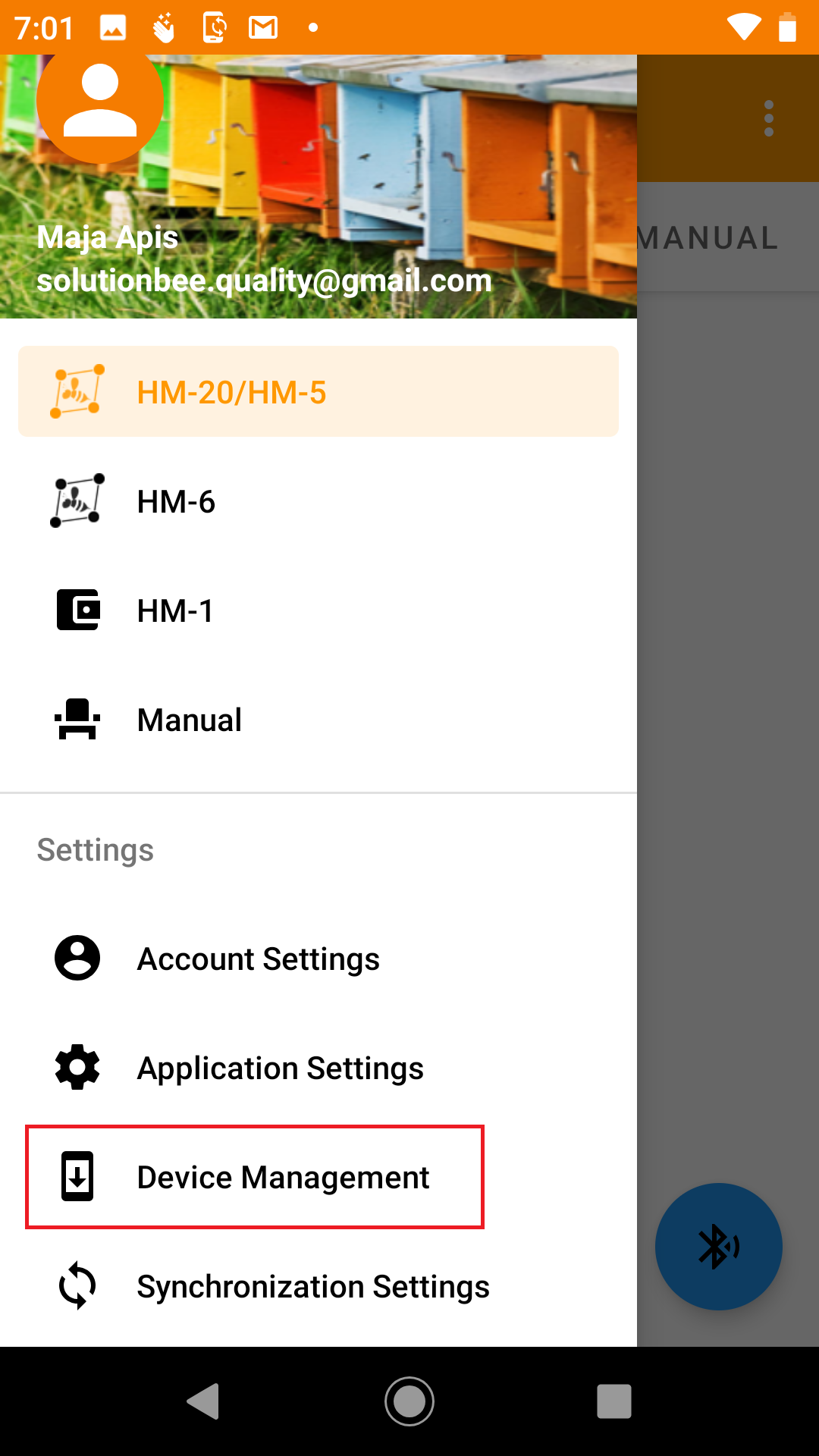
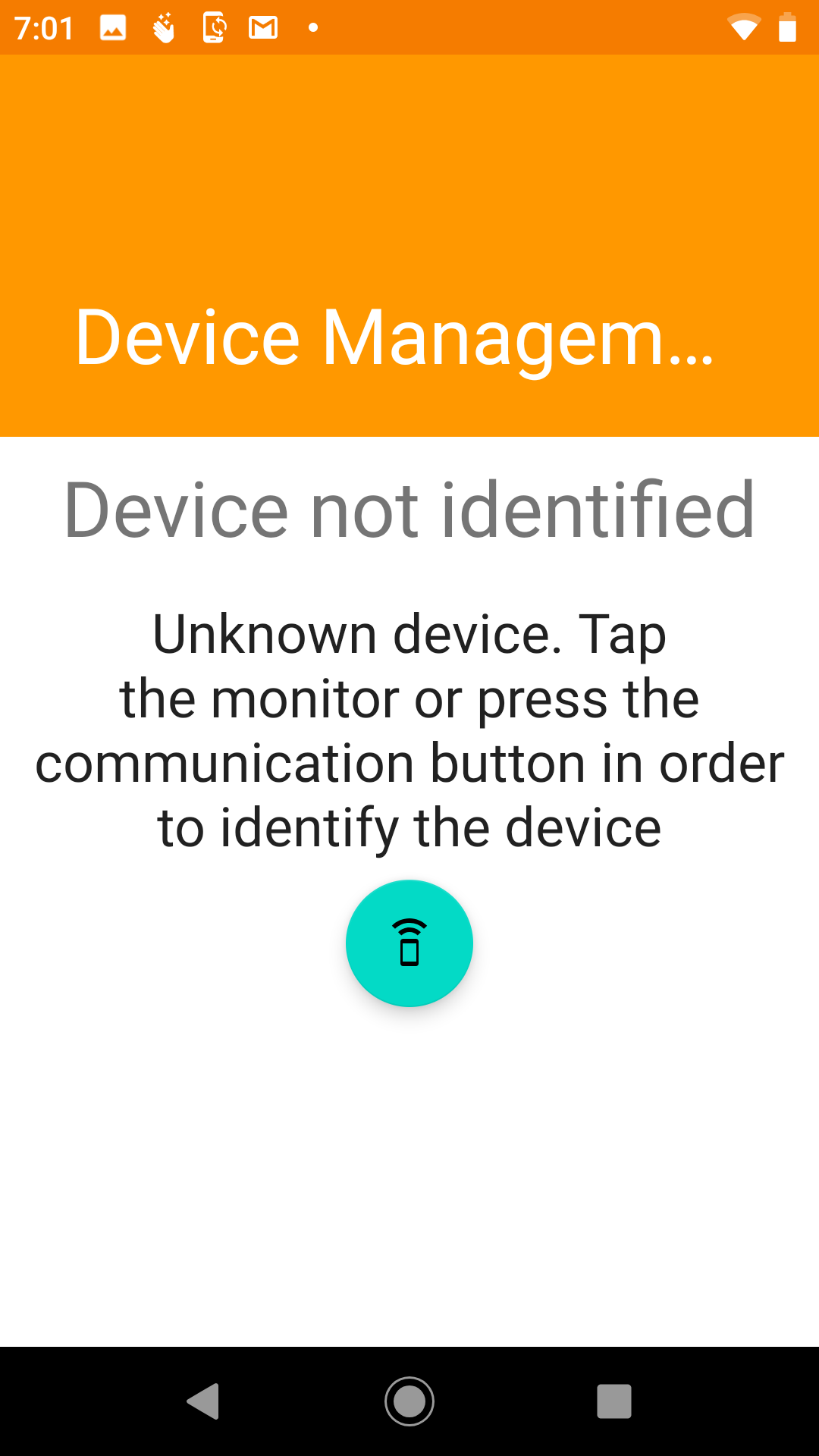
This screen appears. Tap the phone to the HM-5 electronic module.
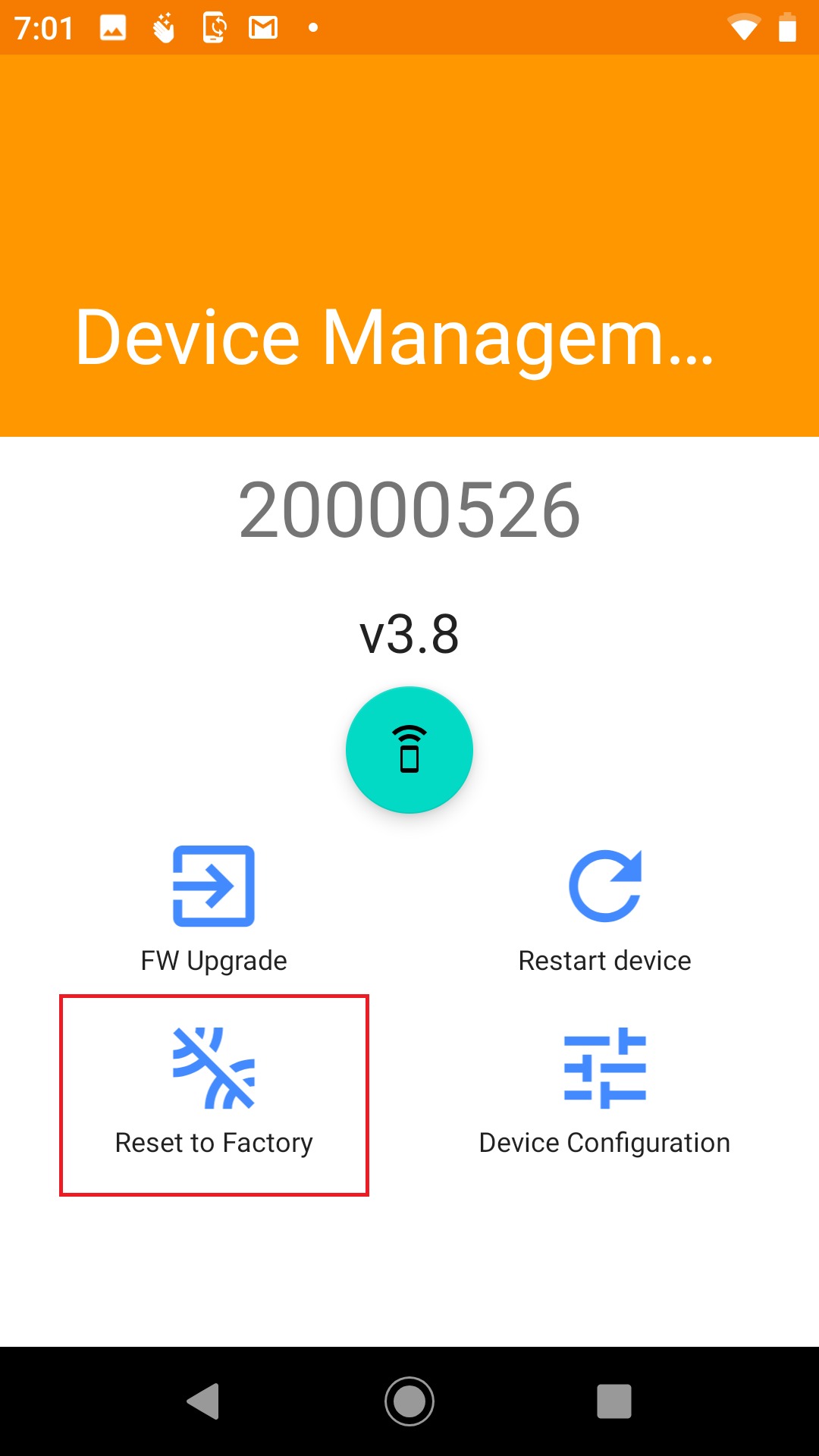
4.) Select Reset to Factory
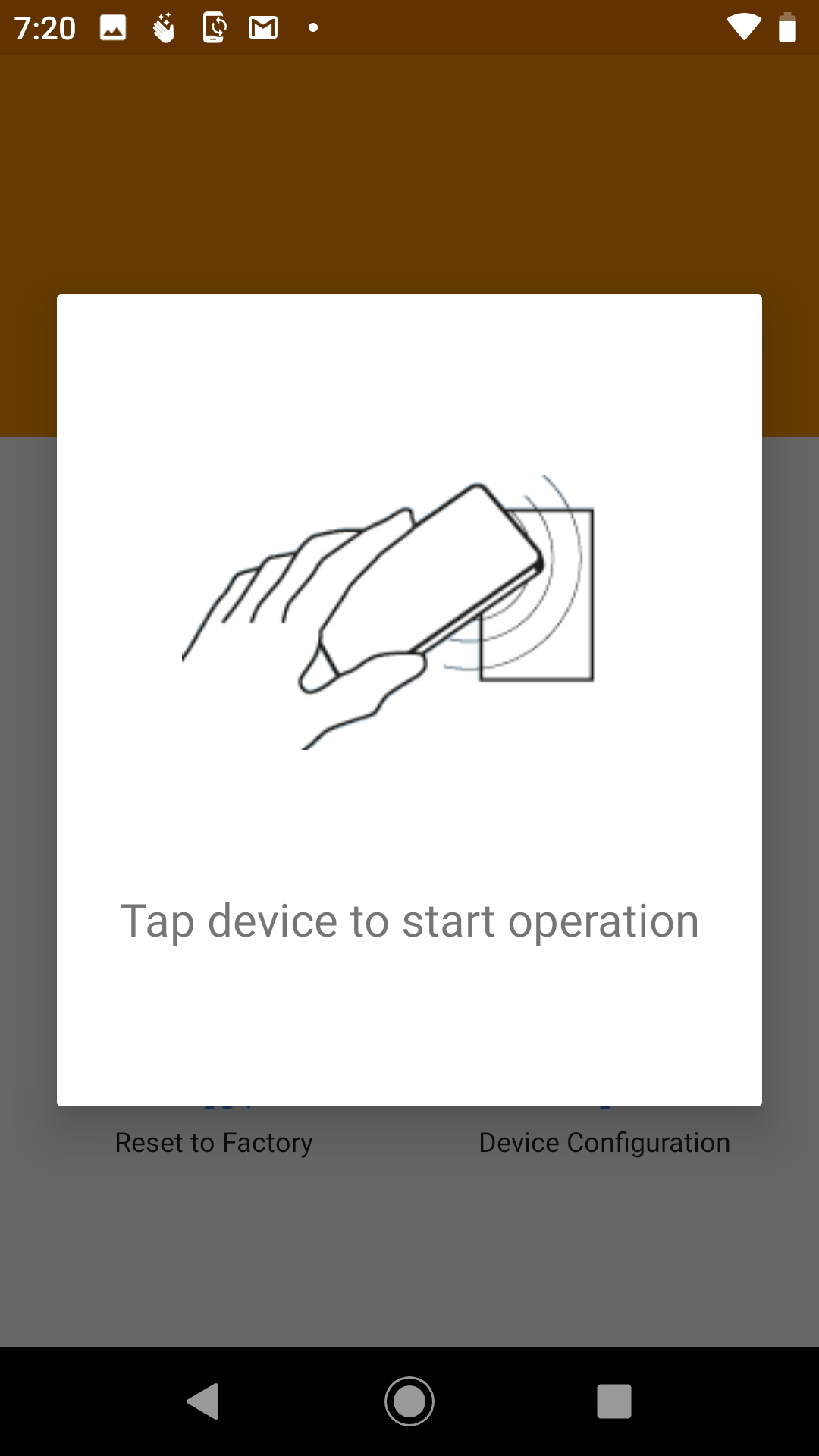
5.) Tap the electronic module.
6.) The HM-5 is now reset to Factory Settings.