Set GPS location
You can set the GPS location of your hive monitor through the B-Ware smartphone app. Here is how:
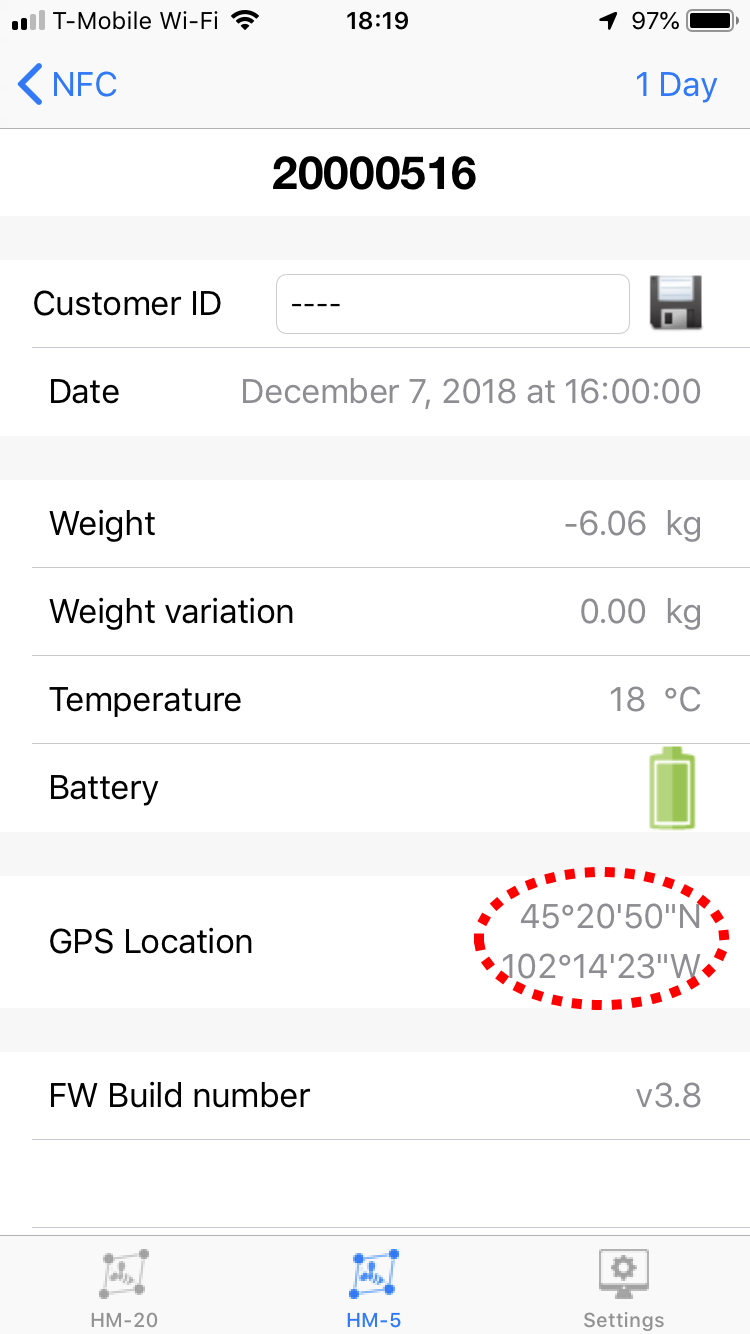
- Go to the Summary Data page for the monitor you would like to set the GPS coordinates for.
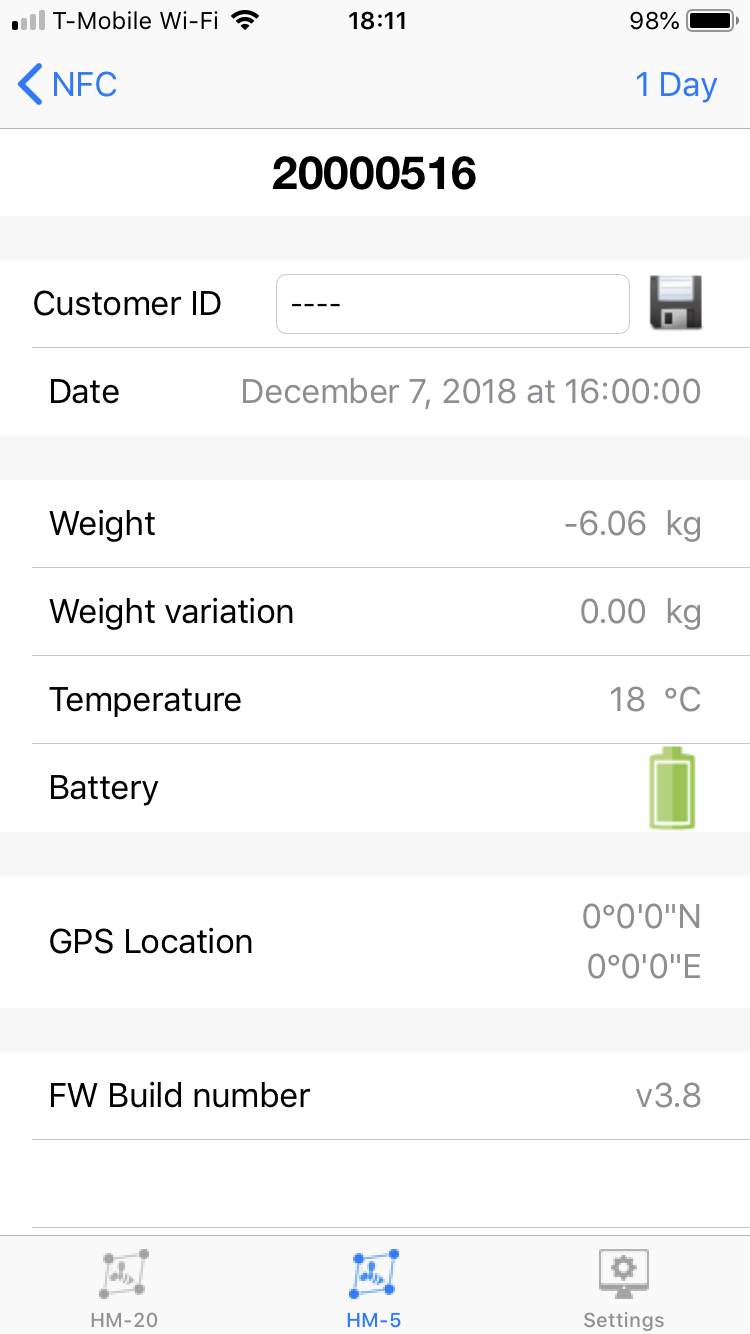
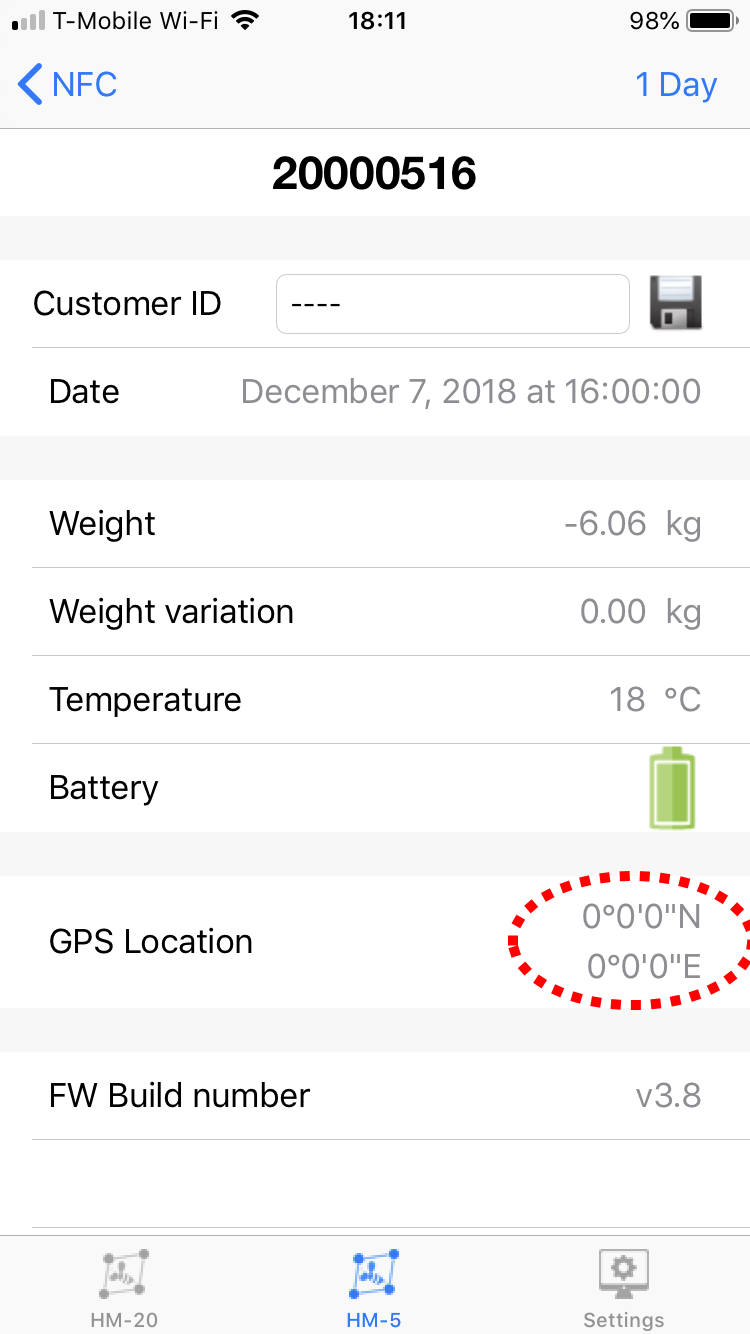
- Notice that the GPS location is initially all zeros. Tap once on the coordinates in the region shown below:
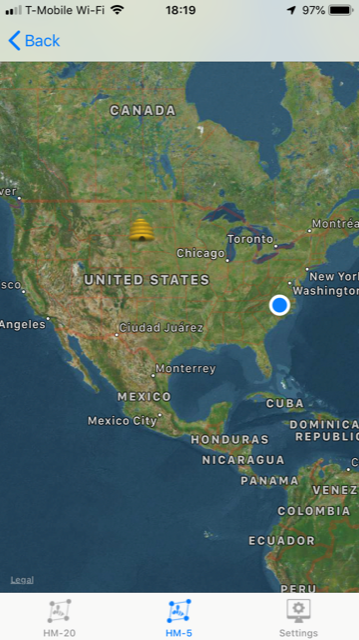
- A map appears.
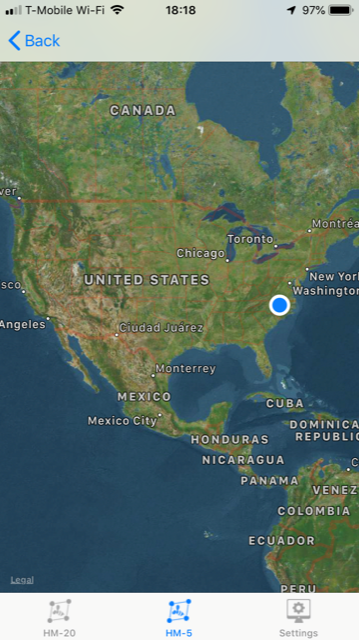
- To place your monitor on the map, place your finger in the approximate area where your hive is located and leave it there for a minimum of three seconds. A small cartoonish representation of a hive will appear (below in the South Dakota region). You may zoom in to a particular region and drag the hive by again placing your finger on the hive and then, with your finger continuously in contact with the screen, dragging it into a different position on the map.
- Press the
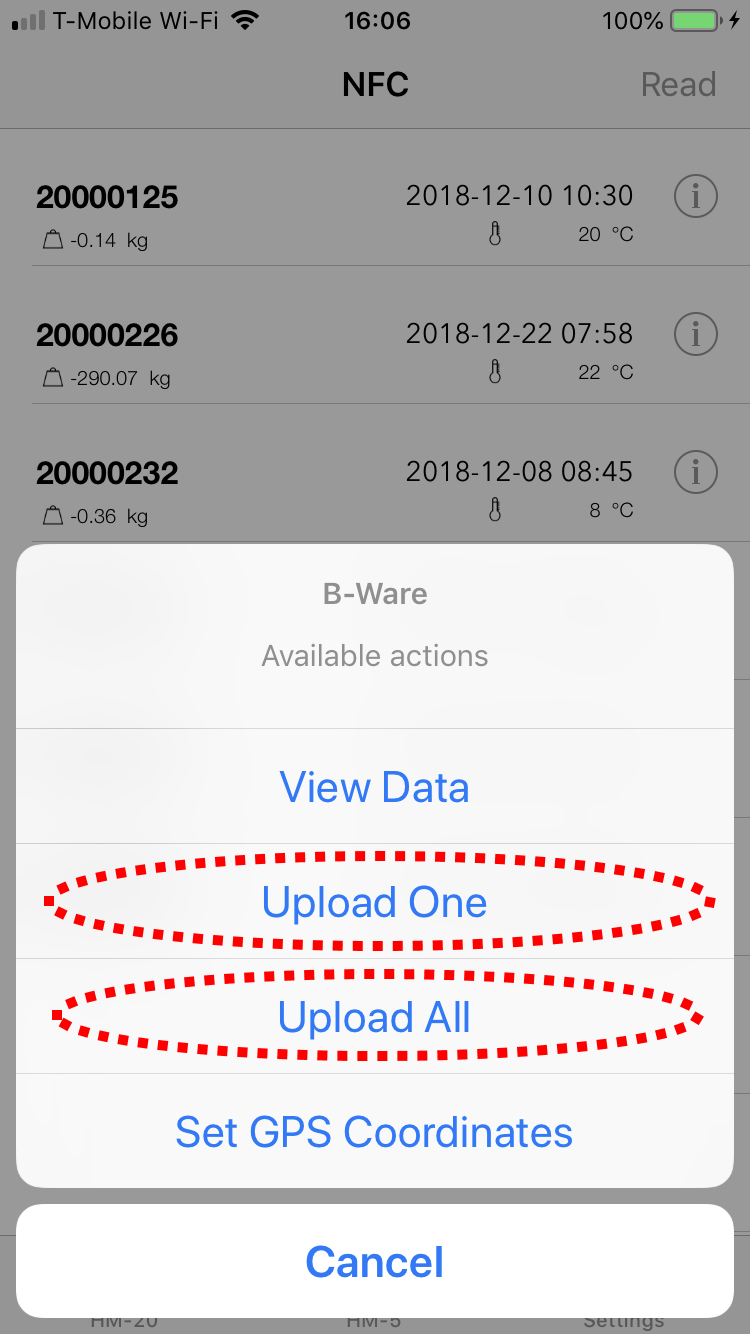
- Tap the
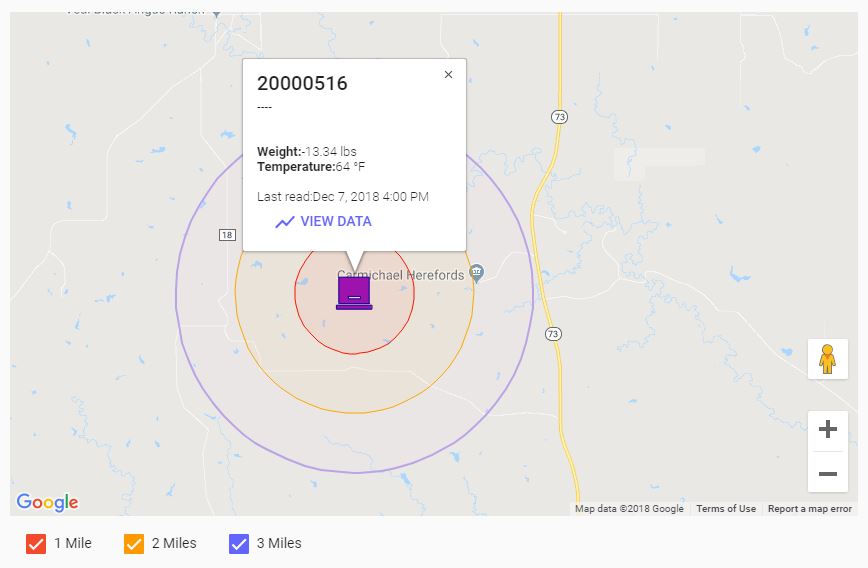
- Open the Web App and, under Details, view that the map now contains the location of the hive monitor.
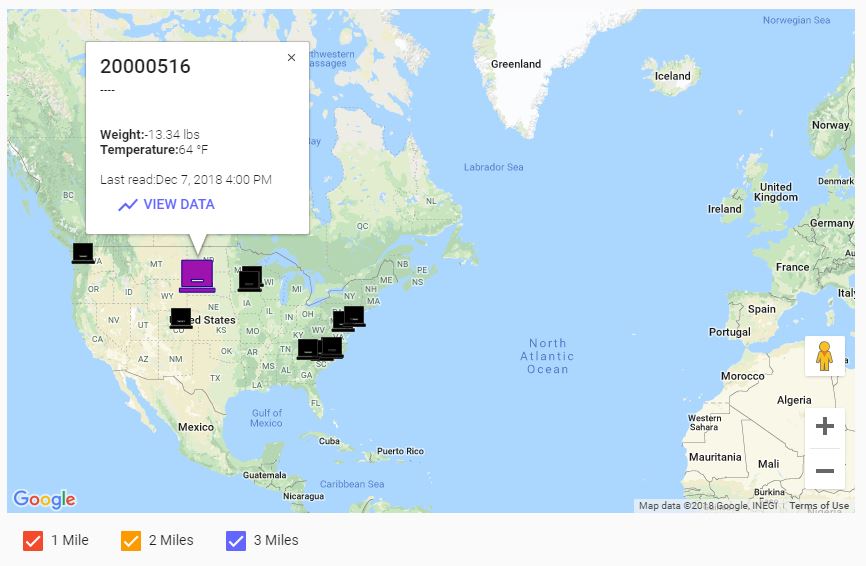
- If you zoom into the Web App map, you can see the 1 mile/2 mile/3 mile concentric circles around that location.