Printing your graphs
Printing your graphs is very easy.
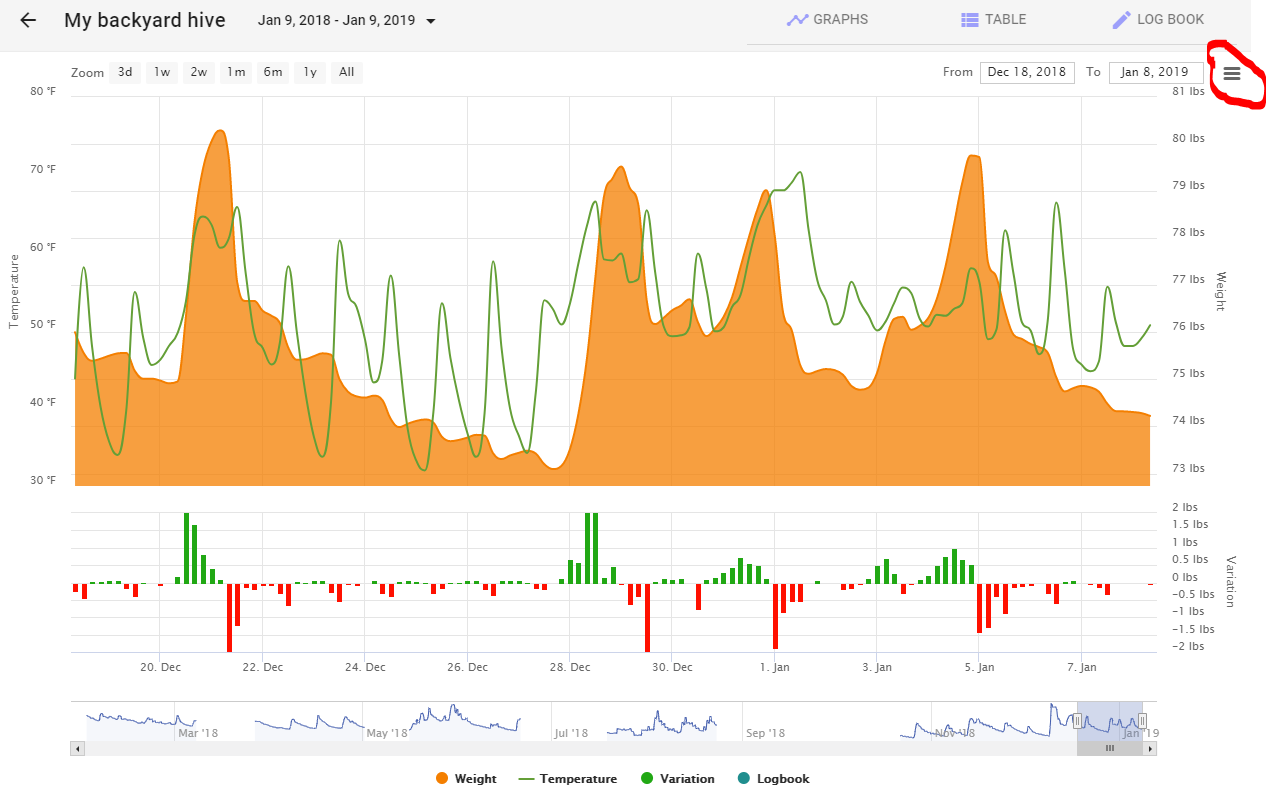
- Click on the "hamburger icon" on the top right of the screen (circled in red).
- Make your selection from the drop down menu.
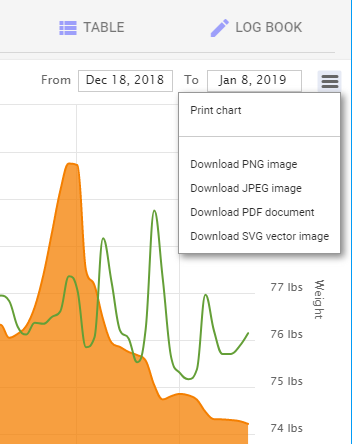
- Selecting "Print Chart" brings up the Print selection screen (shown below using the Chrome browser). Notice that the entire screen is printed, not just the weight graph itself.
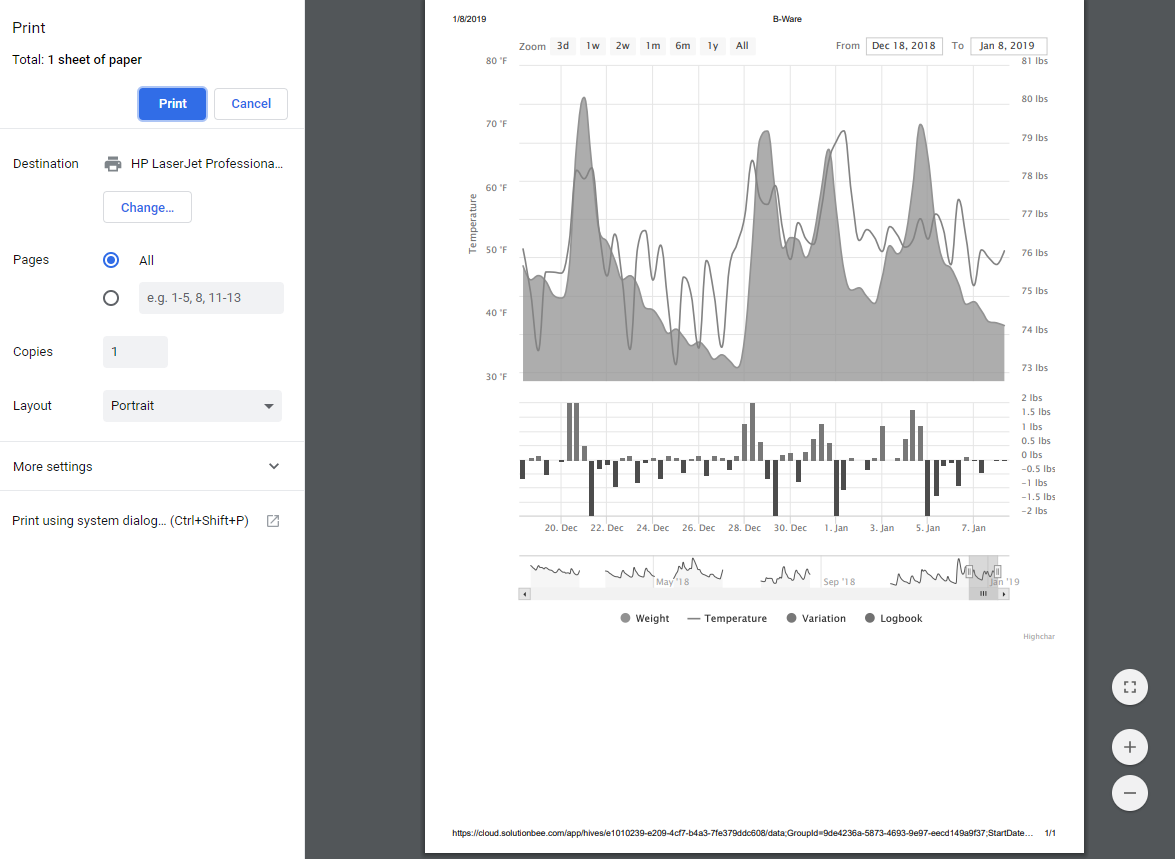
- Make your selections and print the page.