Remove Monitor
You can easily remove a monitor from the Monitor List.
- Pull up the Monitor List
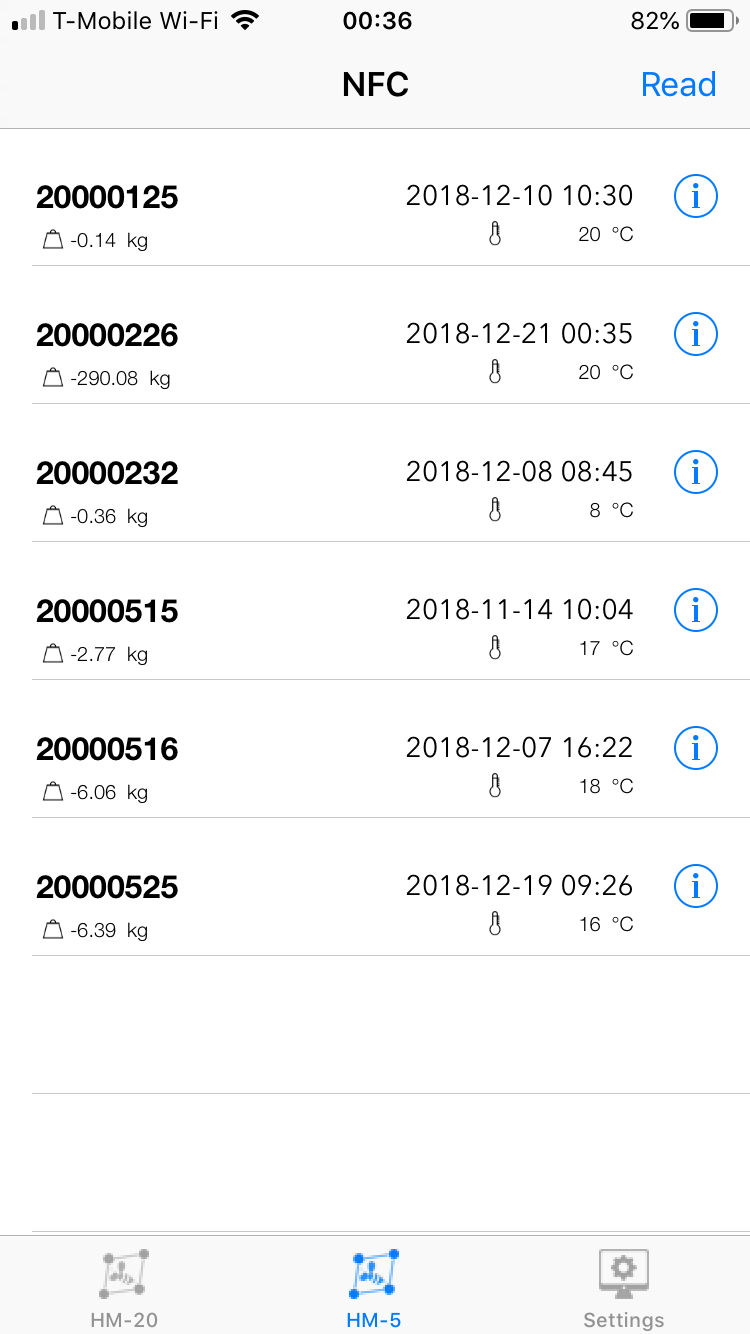
- To remove 20000232 for example, swipe the monitor tile to the left to reveal a red Delete button.
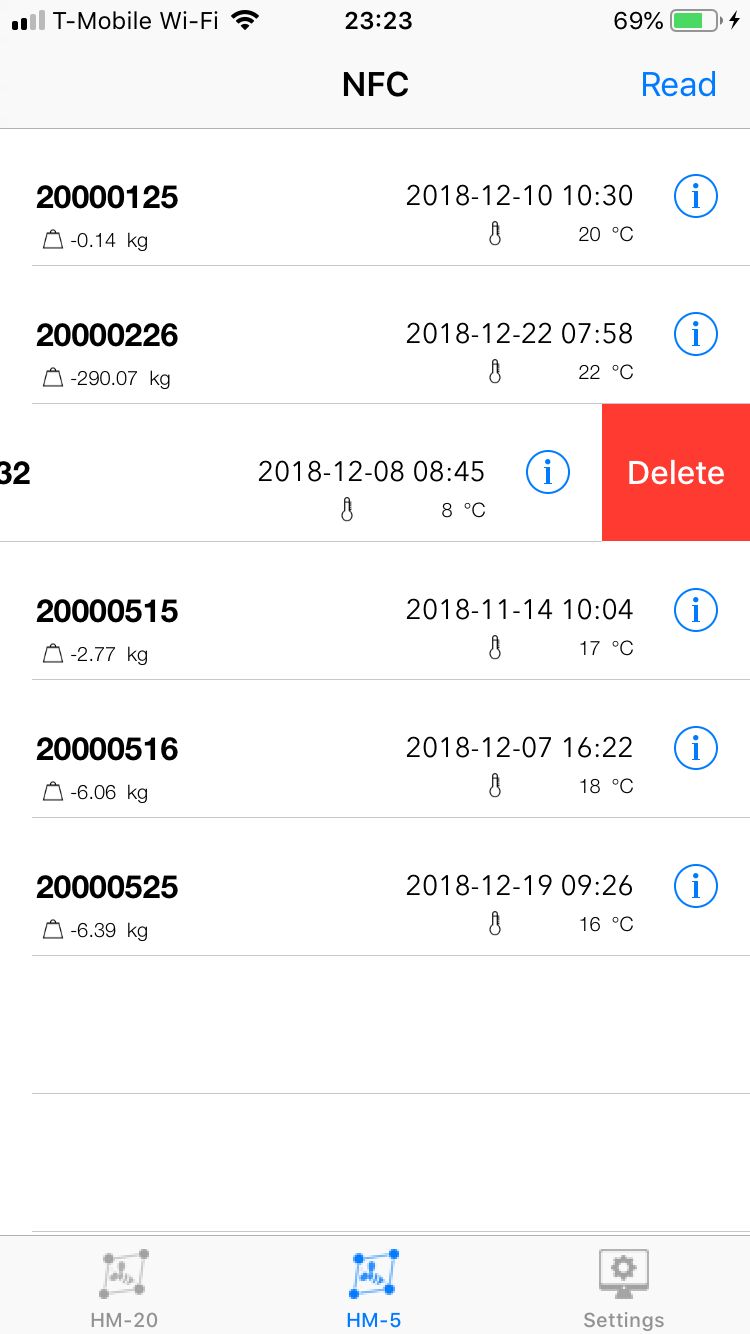
- Tap on the red Delete button to remove the monitor from the Monitor List.