Settings
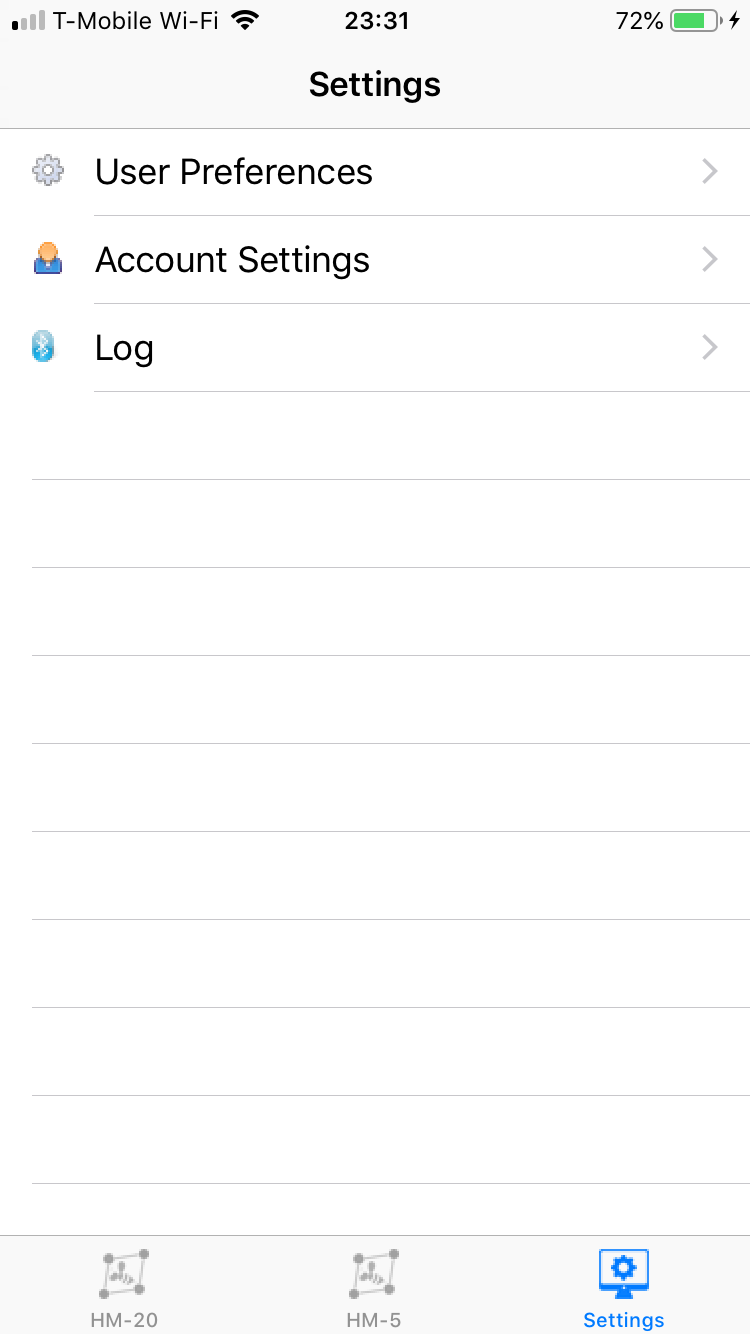
Tapping on the Settings icon will access the following:
A. User Preferences: Set of settings to customize your B-Ware app
B. Account Settings:The path to login or logout of your Solutionbee account. It will also indicate if you are currently logged in.
C. Log: A running log of internal and communications functions used to assist customer support in debugging issues.
User Preferences
The option lists a number of mostly self-explanatory settings.
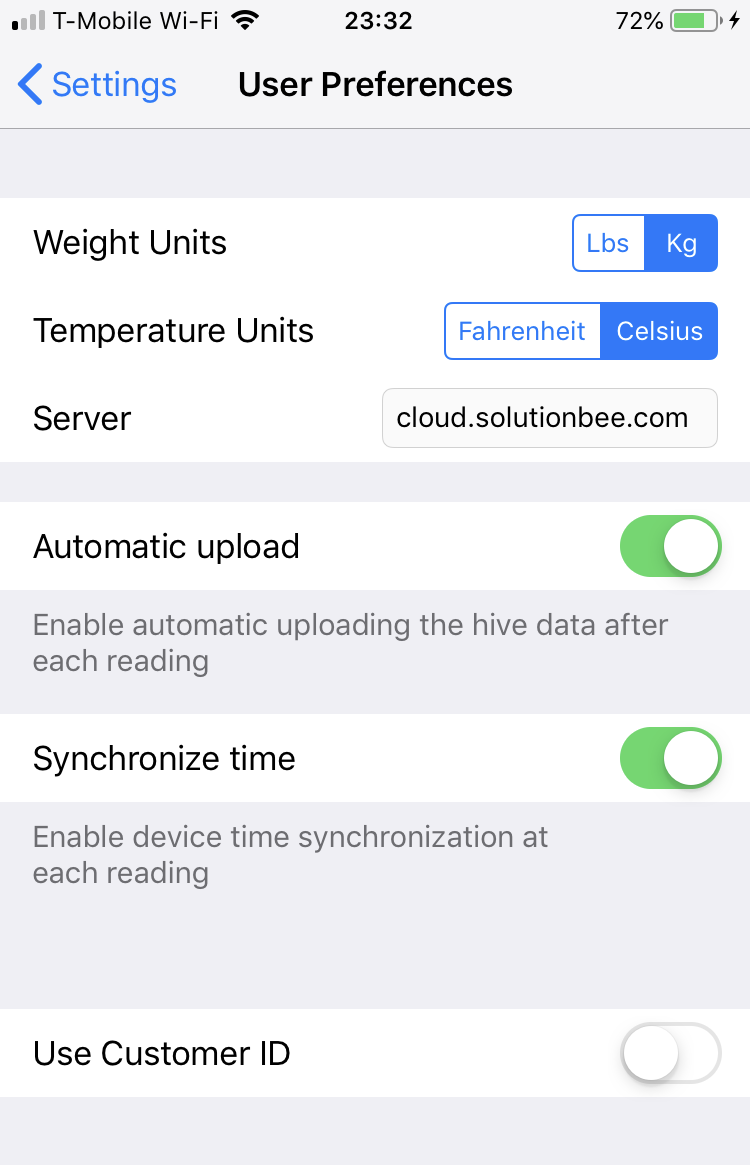
Weight Units: Select Imperial or Metric units for weight
Temperature Units:Select Imperial or Metric units for temperature
Server: keep it at cloud.solutionbee.com to upload data to the Solutionbee cloud service and remain visible on the web app
Automatic Upload:enable automatic uploading after each reading
Synchronize time:copy smartphone time into HM-20 device time. iPhones cannot currently set time on HM-5 units.
Customer ID: On the Monitor List, instead of serial numbers, use customer defined names to identify your hive monitors
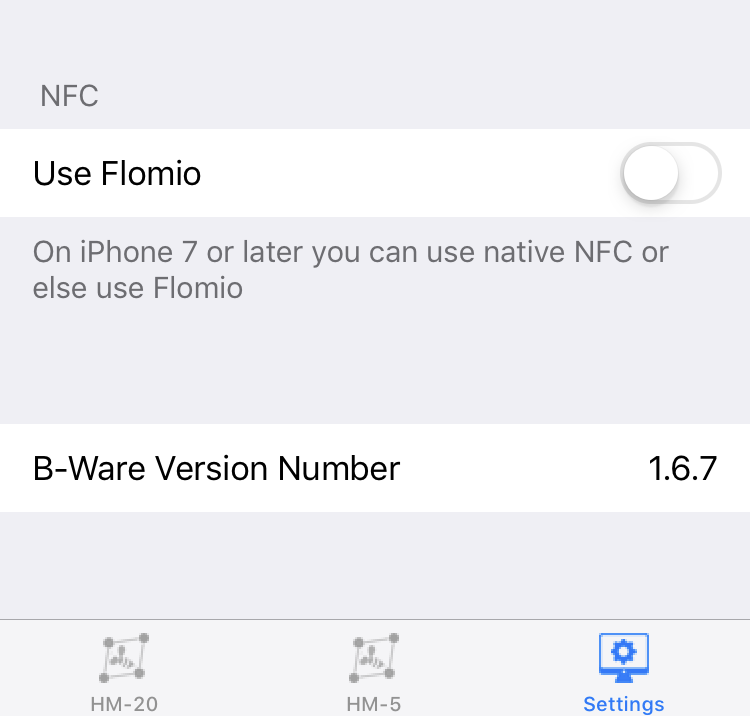
Use Flomio:Keep turned off unless using a Flomio instead of an iPhone to read your HM-5 (unlikely)
B-Ware Version Number:Version of the B-Ware iOS app